Your aPriori Professional User Preferences control various aspects of starting and costing behavior for aPriori Professional.
You can edit your user preferences by using the Tools > User Preferences menu.
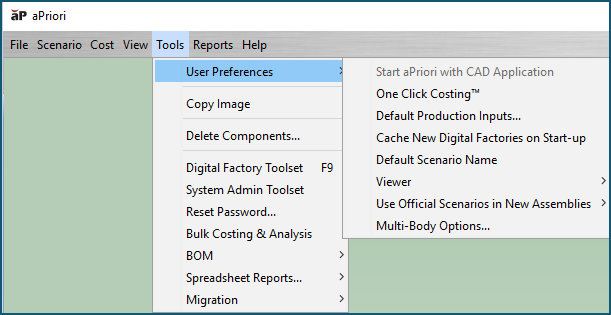
When you specify a user preference, the setting is remembered and takes effect each time you run aPriori.
You can not change unit system, decimal place, or language settings via your user preferences. For information about managing these settings, seeManaging Unit System SettingsChanging decimal place settings, Setting a display language, and Supported Languages for aPriori Professional online Help.
Topics and Examples