Using Settings from a Start Part
Your Digital Factory Administrator should provide you with the name of a start part that is appropriate to the Digital Factory Factory and process that you want to use. Instructions for Digital Factory Administrators are provided in Administering Start Parts.
You can also create your own start parts for part families or similar types of geometry that may be used frequently within the company. The easiest way to do this is to create a new virtual part, use the settings from an existing start part, and then make any necessary changes. If you create a start part from scratch, you must perform an initial costing before setting geometric PSOs, in order to make the Process Options Editor available. Be sure that your start part has values for at least all required PSOs.
Important: Using the settings from a start part overwrites the image and PSO settings you have for your current scenario. You will modify these settings going forward.
Follow these steps to use the settings from a start part:
-
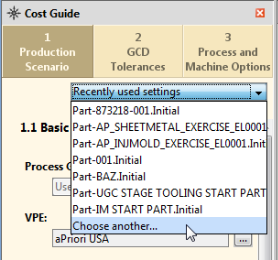
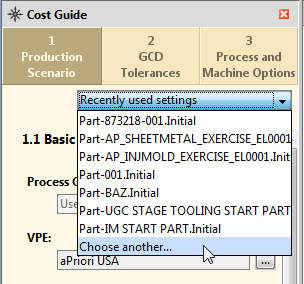
Click Recently used settings in the Production Scenario tab of the Cost Guide.
-
Select your start part from the dropdown list, or click Choose another….
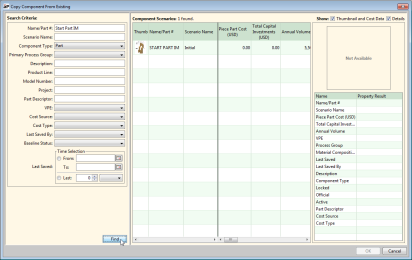

If you clicked Choose another…, search for your part by name, select it from the search results, and clock OK.
