To navigate to the lookup tables that are global to the current process group, follow these steps:
-
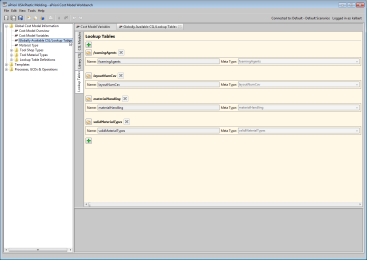
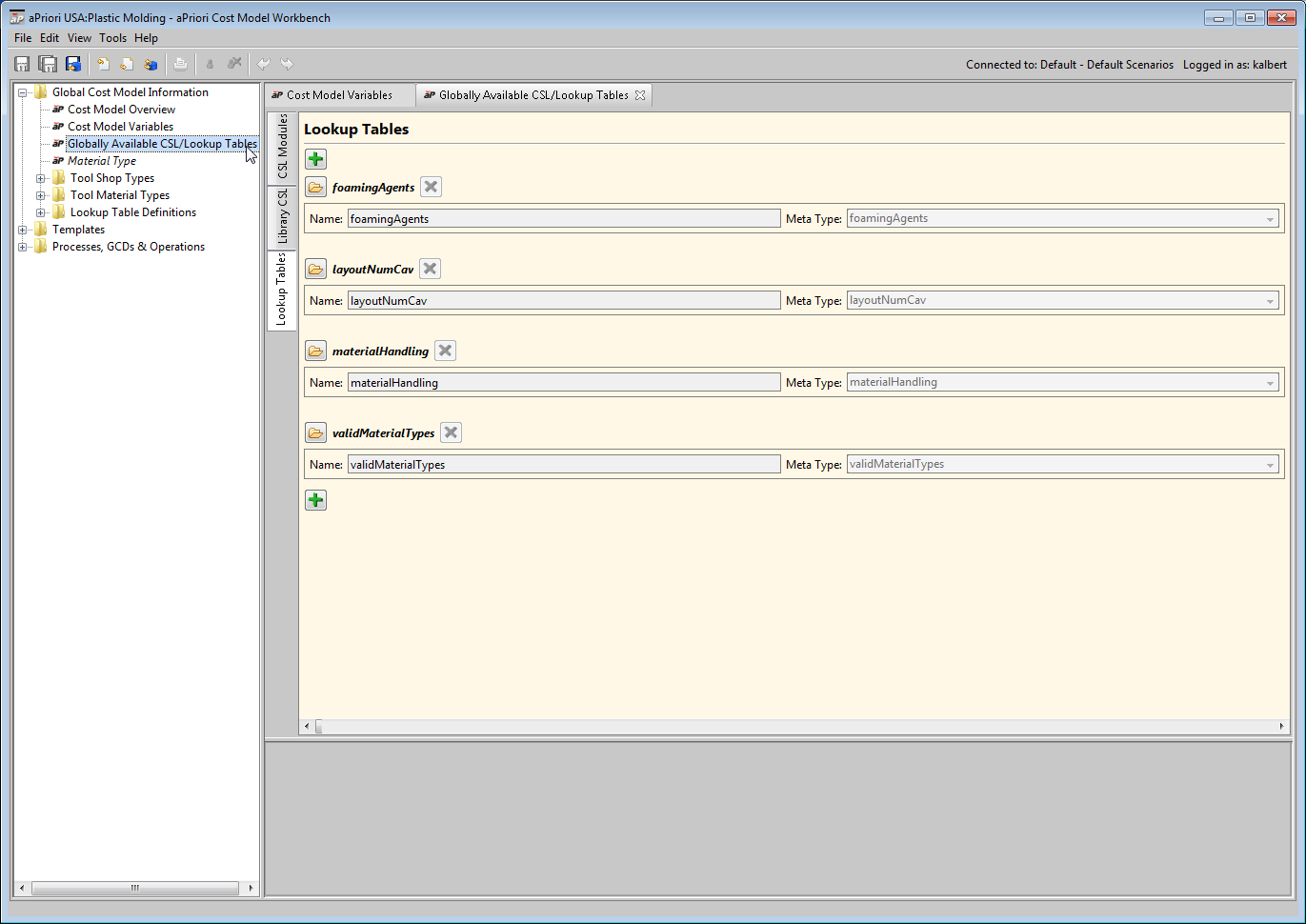
In the CMWB navigation pane, expand Global Cost Model Information, and double click Globally Available CSL/Lookup Tables.
-
In the editing pane, select the Lookup Tables tab. The editing pane displays information about the global lookup tables.
Navigate to the lookup tables for a given process
To navigate to the lookup tables for a given process or operation, follow these steps:
-
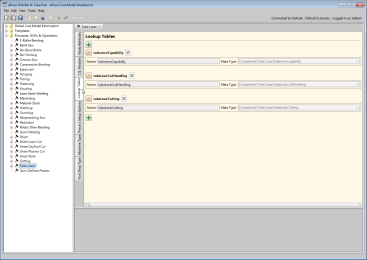
In the CMWB navigation pane, expand Processes, GCDs & Operations; double-click the desired process, or navigate to the desired operation and double-click it.
-
In the editing pane, select the Lookup Tables tab. The editing pane displays information about the specified node’s lookup tables.

Navigate to the lookup tables for a given branch node
To navigate to the lookup tables for a given branch node, follow these steps:
-
In the CMWB navigation pane, expand Templates, navigate to the desired branch node, and double-click it.
-
In the editing pane, select the Lookup Tables tab. The editing pane displays information about the specified node’s lookup tables.
For each lookup table, the editing pane displays the following:
-
Table name
-
Table meta type, the pathname to the table’s schema definition (see Viewing and Modifying Lookup Table Definitions).
-
Folder icon,
 , for table viewing or editing
 -
X symbol for module deletion

The editing pane also displays a + icon for adding a table. See Adding New Lookup Tables.