Configure the Explore View
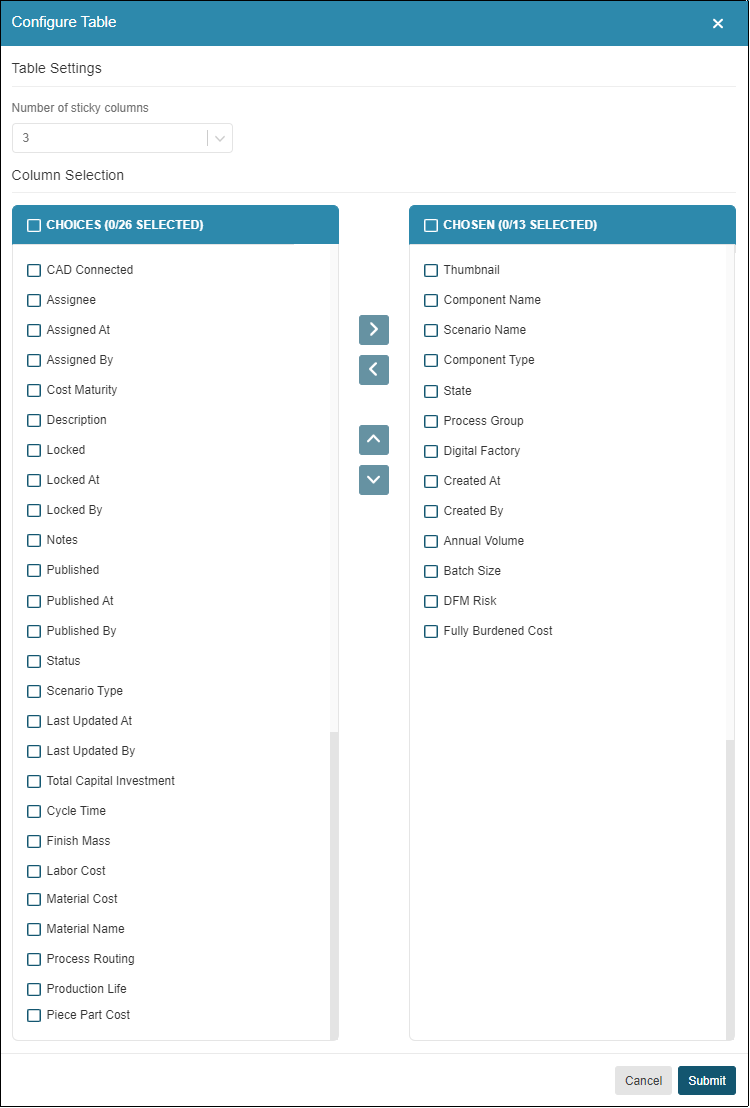
You can reconfigure the columns on the Explore tab by reordering, adding, or removing any of these columns. You can also change the number of fixed columns. The default configuration contains the first 13 column headings in this table and the first three are fixed.
Click the Configure button to configure the display:

Use the arrows to configure the display as required:
Click Submit to save your configuration.