Create a Manual Scenario Comparison
Manual Comparisons include only scenarios that you manually identify by selecting them in the Explore tab or adding them in the Comparisons tab.
To create a Manual Comparison:
-
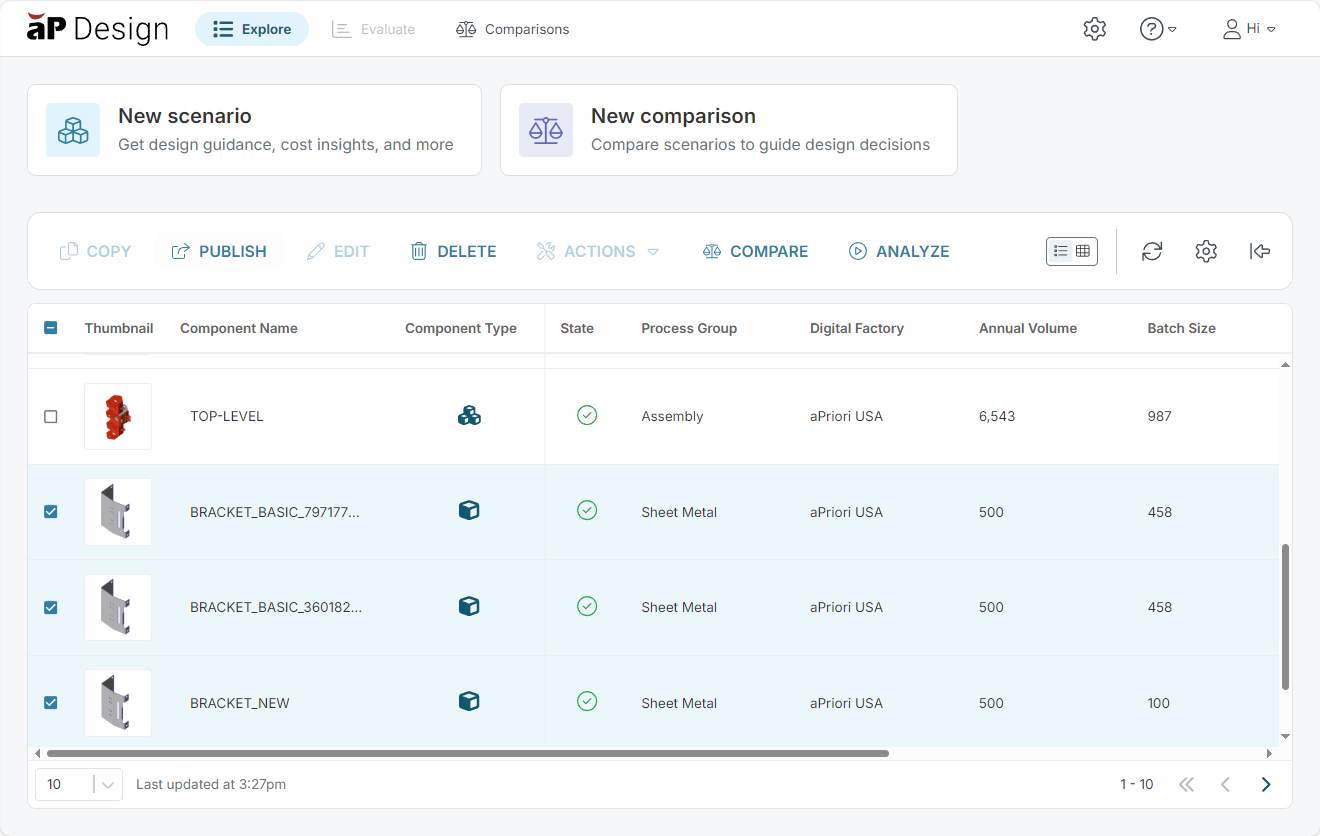
From Explore, select two or more scenarios.
-
Click the Compare button.
The New Comparison dialog opens.
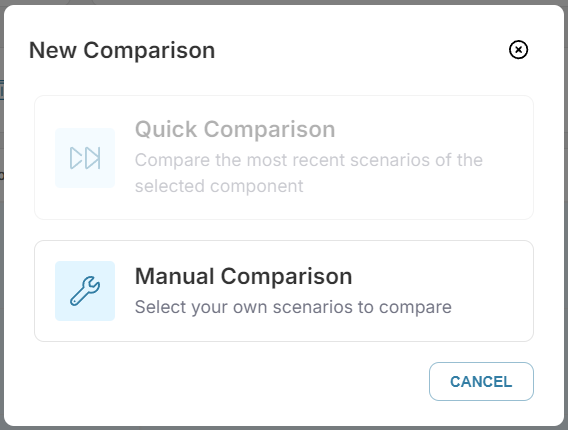
Quick Comparison is disabled because more than one scenario is selected.
-
Select Manual Comparison.