Source Data
The data in the Design Value Dashboard is pulled from analyses (costings) of components done in aP Pro or aP Design that have been added to a project using aP Workspace or aP Design.
To identify designs that have been costed in aP Design or aP Pro but have not yet been added to a project, use the Value Discovery Dashboard.
Iterations
This data is based on the information created in the base and final iterations of costing. By default, base cost is the piece part cost for the design's initial costing and final cost is the piece part cost for the design's latest published costing. See Measure Cost Avoidance for more information.
Editing data
You cannot edit source data directly using the Design Value Dashboard. To edit Project information, use aP Workspace. To edit component information, use aP Design or aP Pro.
Edit Project information
To view and edit Project information, open that Project in aP Workspace.
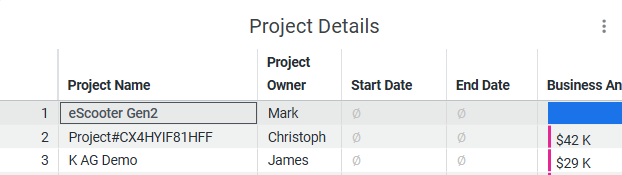
For example, to view the information in the eScooter Gen2 project:
Open aP Workspace to select and view details for this project:
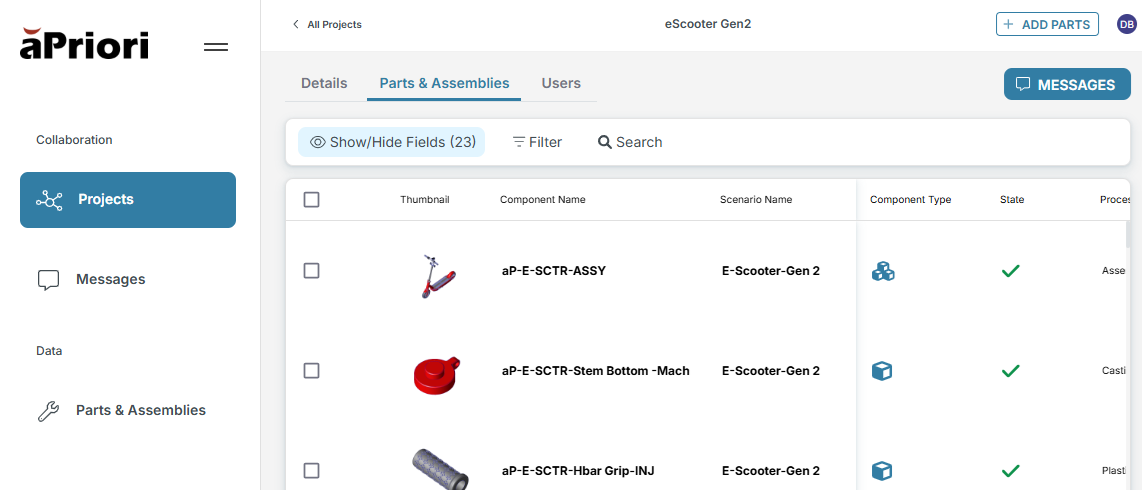
View Permissions
You will need to be a member of the relevant Project to see this information in aP Workspace.
Any relevant changes you make will be reflected in the resultant display in the Design Value Dashboard.
See aP Workspace > Collaborate Using Projects.
Edit Project Components
To view and edit individual components of a Project, open these components in aP Design (or aP Pro)
For example, to view and edit the aP-E-SCTR-ASSY component in the eScooter Gen2 project, open aP Design, search for that component, then edit it in aP Design.
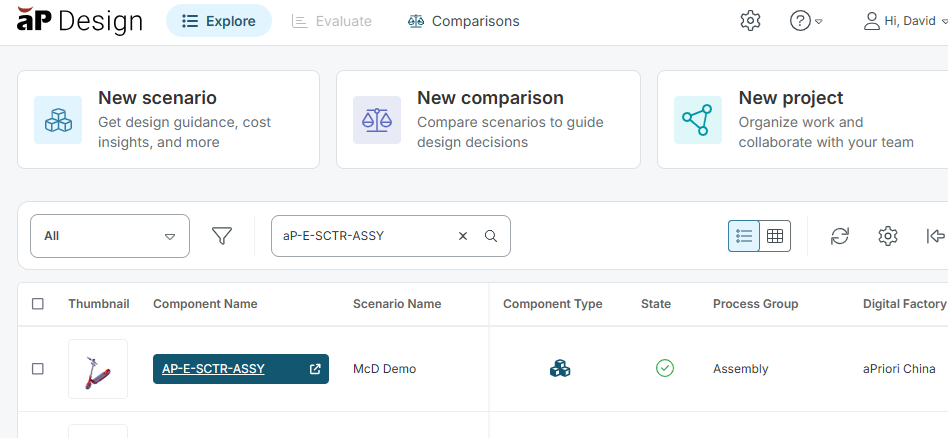
Any relevant changes you make will be reflected in the Project information for aP Workspace, and in the resultant display in the Design Value Dashboard.
See aP Design > Work with Projects for more details.