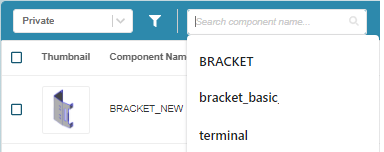
Component Name-Based Scenario Search
Cost Insight Design (CID) Releases Notes 2021 R1 SP1
Search for scenario by Component Name in the Explore tab.
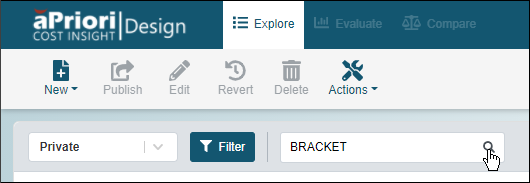
You can quickly and easily search for scenario by component name by using the new Search field on the Explore tab. You can refine the search by applying a standard or custom filter.
To search for a scenario by component name, open the Explore tab, and as desired, select a view and refine your search by selecting or creating a filter. Next, enter a string that includes part or all of the name of the component of interest and then click the search button, .
Past search terms are recalled and displayed as dropdown options when you click in the Search component name field.