Enhanced Part Nesting Viewer
Cost Insight Design (CID) Release Notes 2021 R1 SP1
Zoom and pan to better examine part nesting.
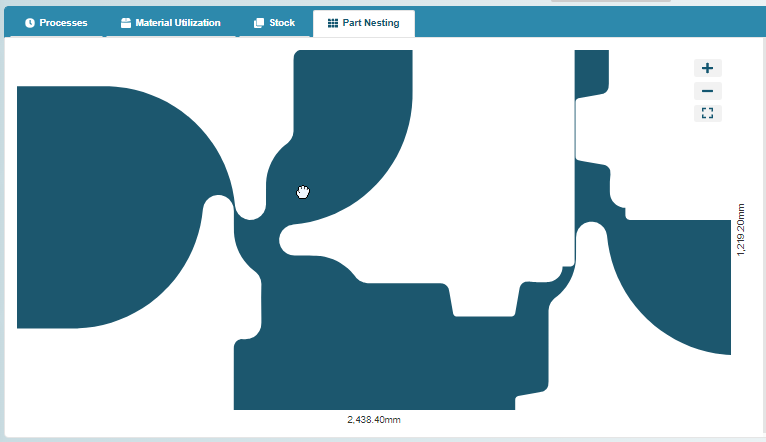
To allow you to examine part nesting better and, as applicable, to show how the selected Utilization Mode affects part nesting, the Part Nesting viewer now allows you to zoom and pan.
The Part Nesting viewer is available for scenario that use certain process groups that include Laser Cut, Fiber Laser Cut, Laser Punch, OxyFuel Cut, Plasma Cut, Plasma Punch, Waterjet Cut, or Turret Press operations. To access the part nesting viewer, after a scenario is cost, in the MATERIAL & PROCESS summary tile, click the information button.
Then, on the Material and Process Explorer, open the Part Nesting tab.

As required, to see the full sheet, increase the vertical size of the panel, as required, hover over and then drag the grab bar that is on top of the panel.

Drop the grab bar when the horizontal dimensions are visible.
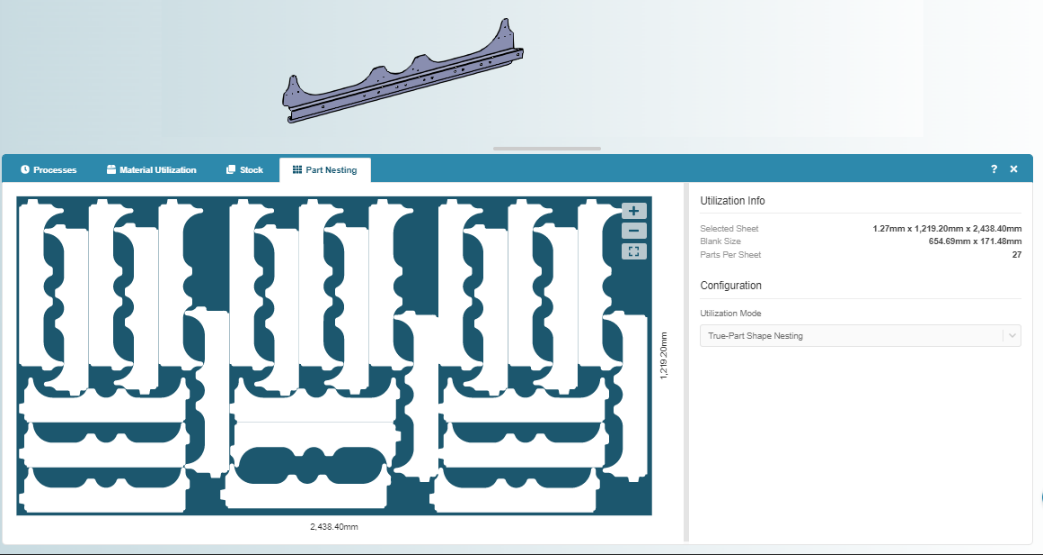
Use the zoom buttons to zoom in, zoom out, or reset the viewer to the full sheet.
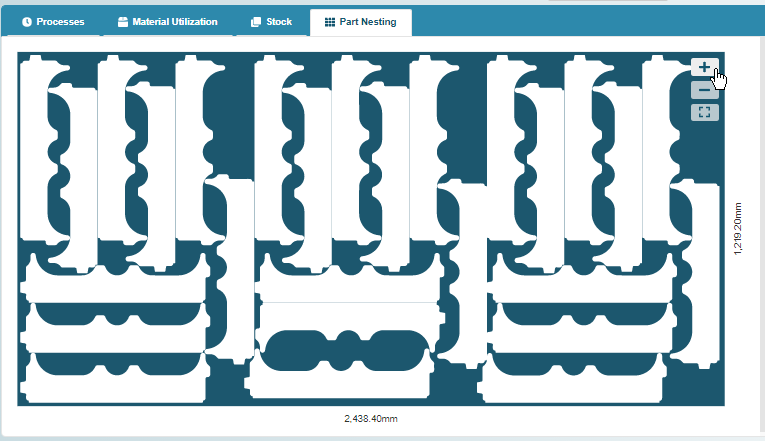
Use drag and drop to pan upward, downward, left, or right.
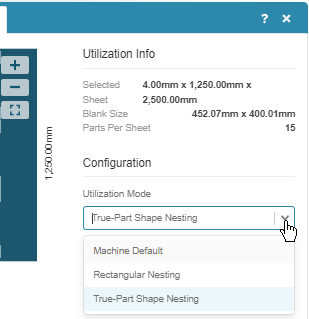
As applicable, select a different Utilization Mode and then recost to see the effect on part nesting.