Open a Scenario
Use the open button, , to open a component and its scenario in Evaluate. Find Components and Scenarios in Explore from the Explore tab, hover over the Component Name and then click the open button.
Alternatively, you can open a component from other locations within the Explore, Evaluate and Comparisons tabs:
To open from Explore:
-
From the Table View, hover over the Component Name and then click the open button:
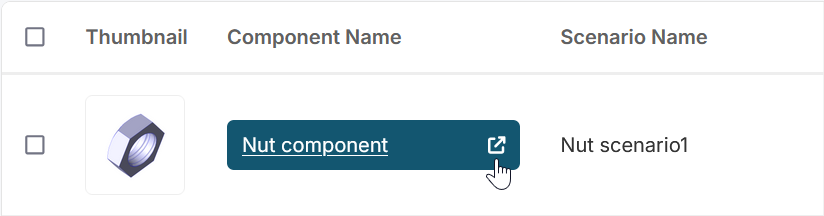
-
From the Card View, hover over the thumbnail image of the component and click the open button:
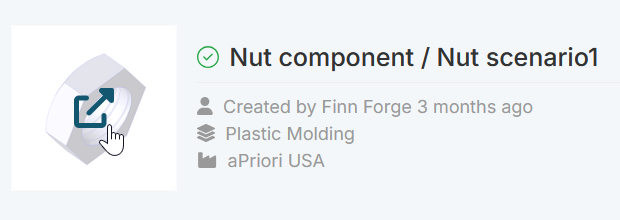
-
From Preview, hover over the thumbnail image of the component and click the open button, see Preview a Scenario.
To open from Comparisons:
- From a column, hover over the thumbnail image of the component and click the open button.
To open from Evaluate:
-
From the Assembly Explorer: If a component is part of an assembly, navigate to the Component Name and click the open button:
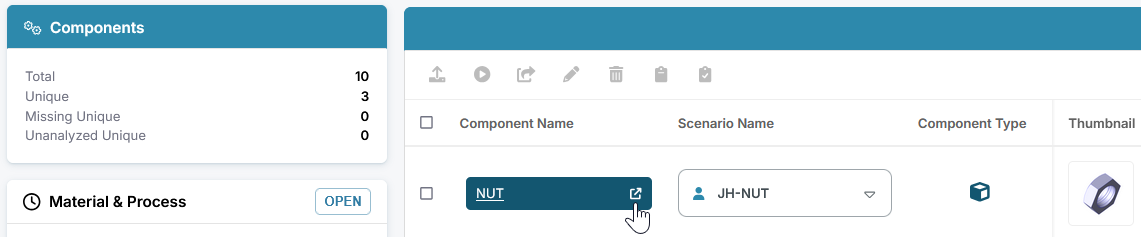
-
From the Assembly Explore preview, hover over the thumbnail image and click the open button.
- From the 3D Viewer: Right click the component and select open.
Tip
If you experience issues while attempting to open a component, see aP Design: Component Opening Issues.
View the Component
Open a scenario to view a 3D representation of the part or assembly in Evaluate:
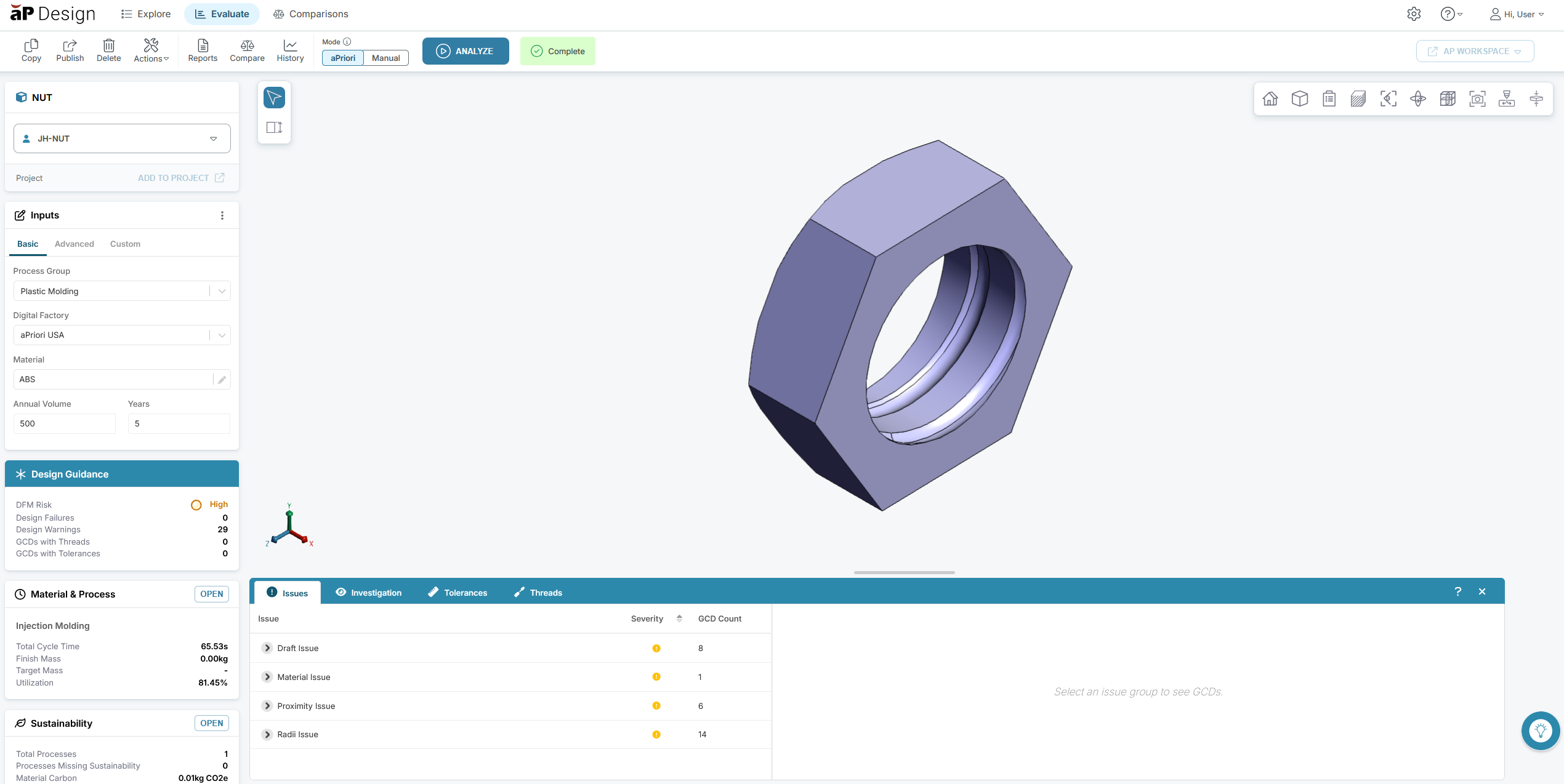
Design Guidance, Cost Results, or Components may be automatically selected and opened depending on your current scenario, ensuring you immediately see the most relevant information.
For example, if you open:
- an assembly, Components is automatically opened, and the Assembly Explorer is displayed. See Work with Assemblies.
- a private scenario that has design issues or notices, Design Guidance is automatically opened. See Review Design Guidance.
- a scenario currently in Manual mode, no cards are automatically opened.
Component Scenarios
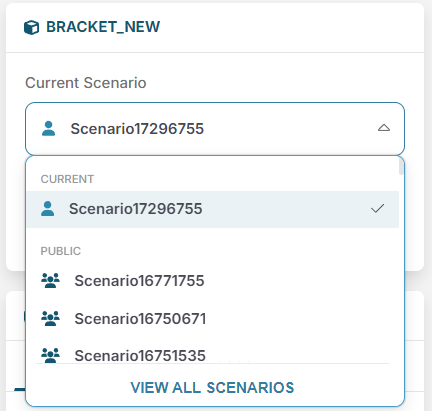
After you open a component, the current scenario is set to the scenario for that component. Select the scenario name to choose a different scenario.