Update a CAD File
Update the CAD file for a Component using the Actions button from the Explore or Evaluate views:
To update the CAD file, the filename must be the same and the Scenario must be private
From the Explore View
- From Explore select the Component.
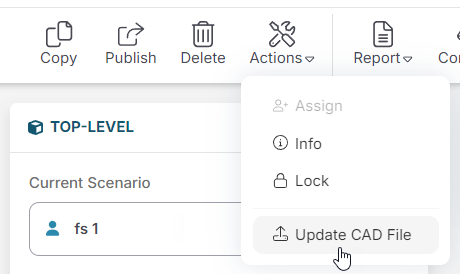
- In the toolbar, click Actions then Update CAD File.
-
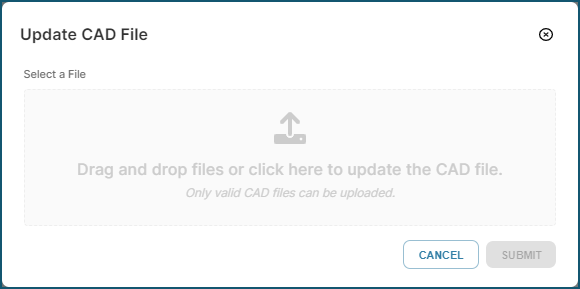
In the Update CAD File dialog, select the CAD file required then click to update the CAD file:
From the Evaluate View
-
From Evaluate, click Actions then Update CAD File:
-
In the Update CAD File dialog, select the CAD file required then click to update