Examine Part Nesting
The Part Nesting viewer shows material stock sheet utilization information, including any potential utilization modes and part nesting diagrams. Part Nesting information is available only for certain processes that use material stock sheets and require certain routing operations. You can override the Utilization Mode.
To access the part nesting viewer, after a scenario is analyzed, in the Material & Process summary tile, click the information button. Then, in the panel that opens, select the Part Nesting tab.
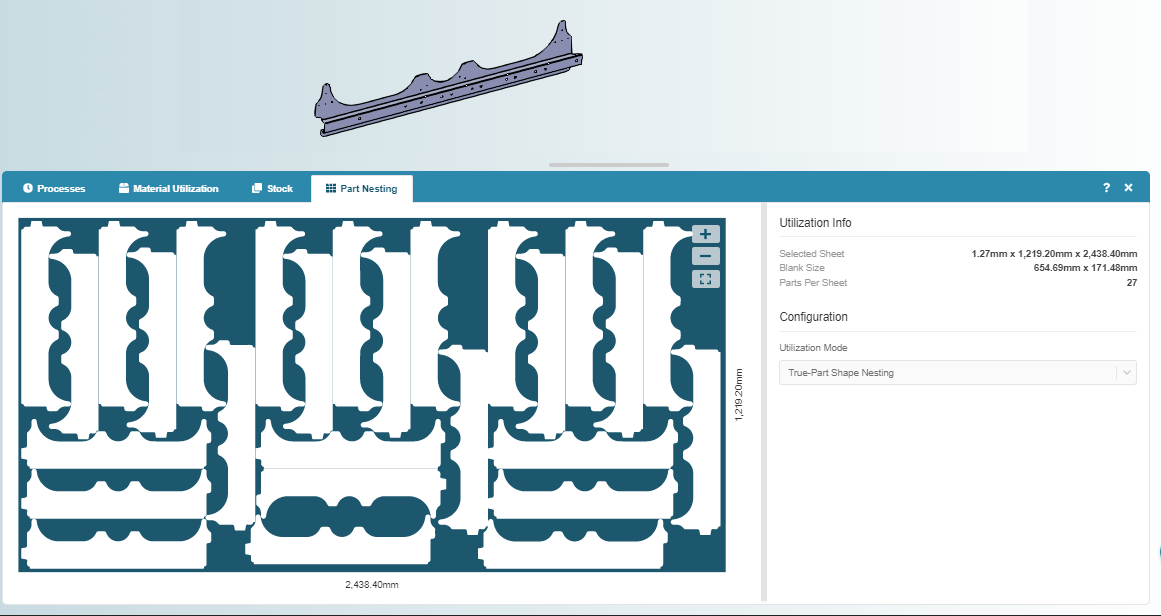
Use the zoom buttons to zoom in, zoom out, or reset the viewer to the full sheet.
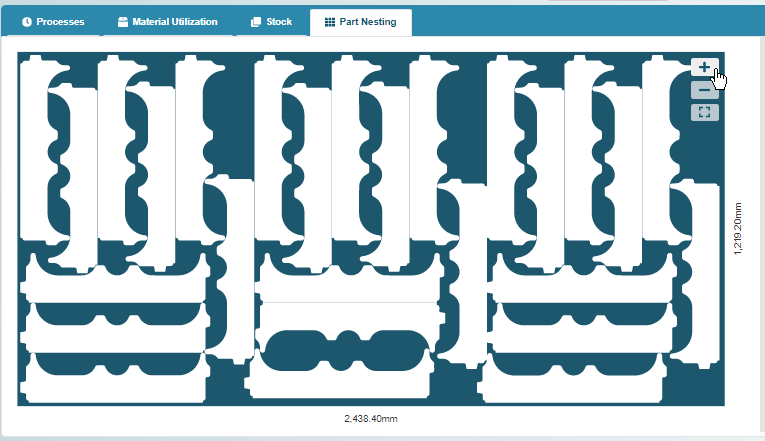
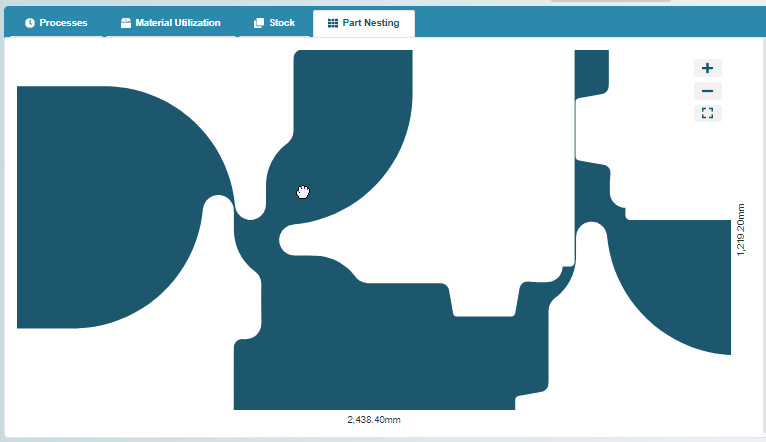
Use drag and drop to pan upward, downward, left, or right.
Utilization Mode
The Part Nesting tab also identifies the Utilization Mode, or method for computing sheet metal material utilization, that was used for sheet cutting process. A true-part shape nesting (TPSN) algorithm is used by default. In order to maximize material utilization and minimize waste, this algorithm finds the tightest nesting for parts using the blank’s actual perimeter.
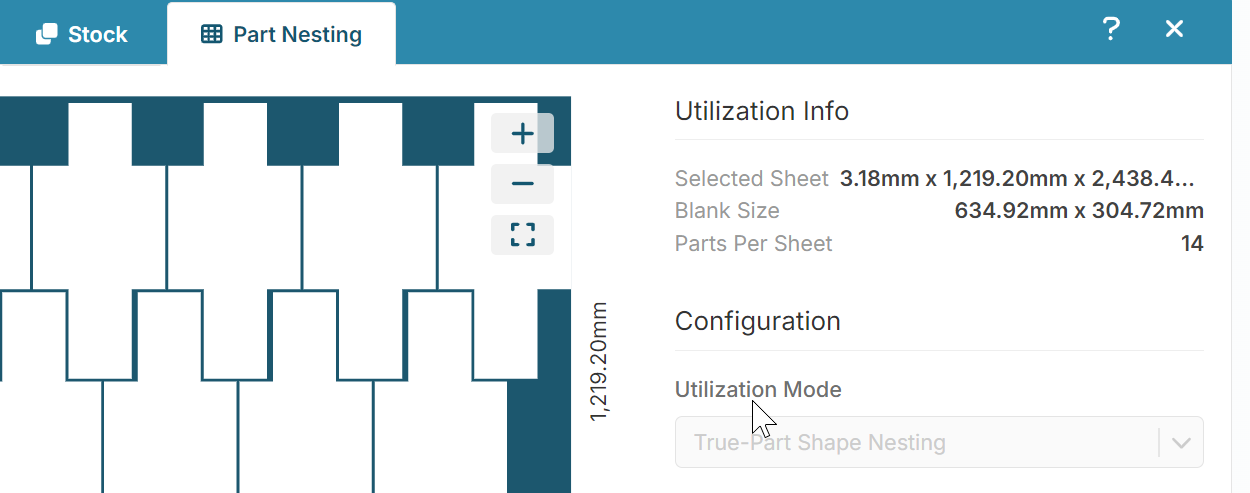
Note that the TPSN algorithm used by Sheet Metal – Transfer Die differs from the TPSN algorithm used by Sheet Metal (soft tooled) in the following respect:
- Sheet Metal - Transfer die uses an optimized strip-nesting algorithm in which parts are nested in rows, and all parts in a row have consistent orientations.
- Sheet Metal allows neighboring parts to have different orientations and does not constrain parts to be organized into rows.
Edit Utilization Mode
You can select a different utilization mode to determine how cost is affected. The options depend on the selected process group and can include:
- Machine Default: uses the current machine’s associated average material utilization (the machine property Avg Utilization).
- Rectangular Nesting: assumes that the part is rectangularly nested on a sheet, with either a lengthwise or widthwise orientation (whichever is more efficient).
- True-Part Shape Nesting: strip nesting. Uses the component’s actual perimeter to determine nesting, and tests various rotations of the component.
If you update the Utilization Mode, you must re-analyze the scenario.