Review Scenario Inputs
After you change a scenario input, the scenario State changes to Unanalyzed changes and the changed inputs are highlighted. For example:
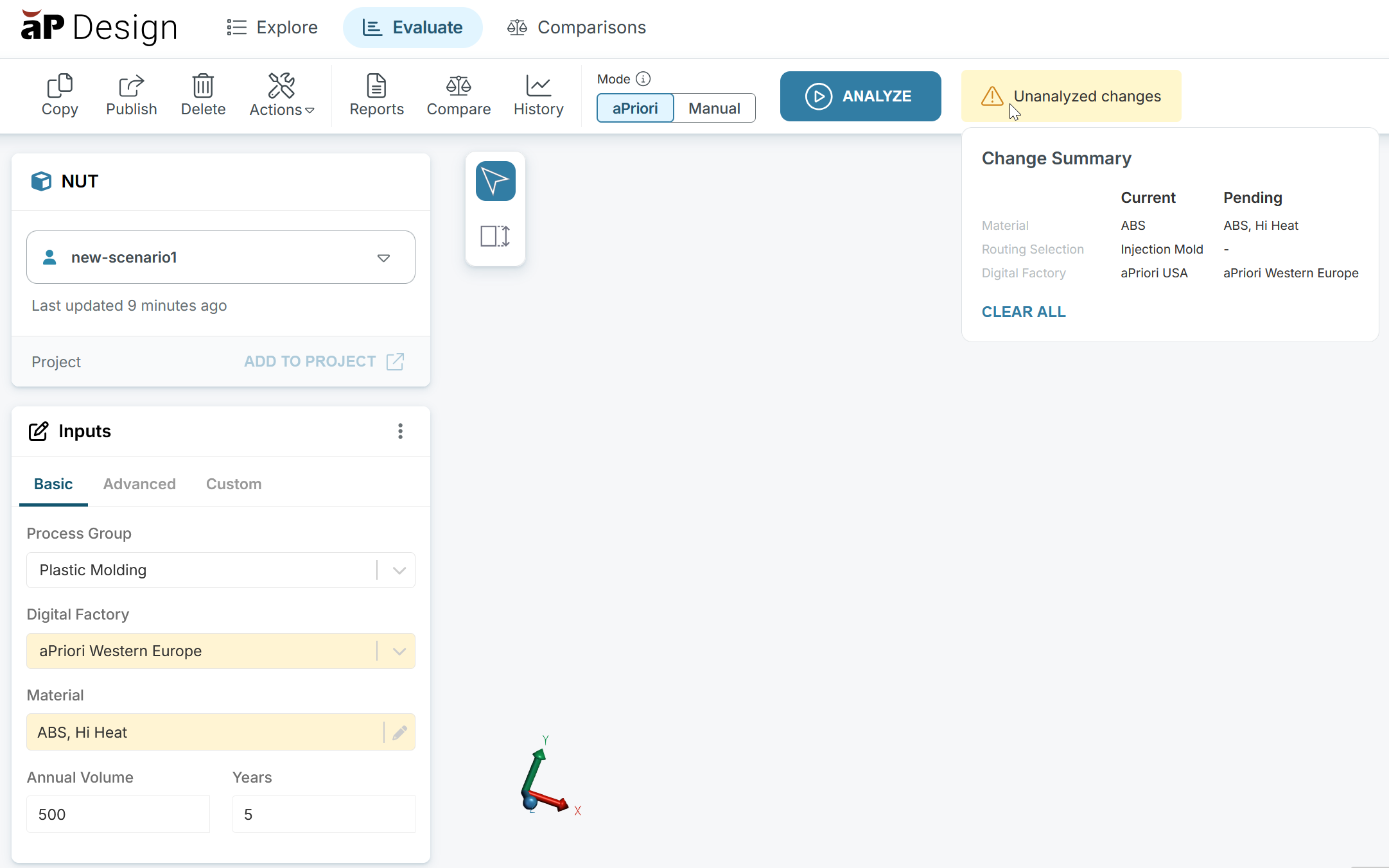
View Change Summary
To see a Change Summary of differences made, hover your pointer over the Unanalyzed changes icon.
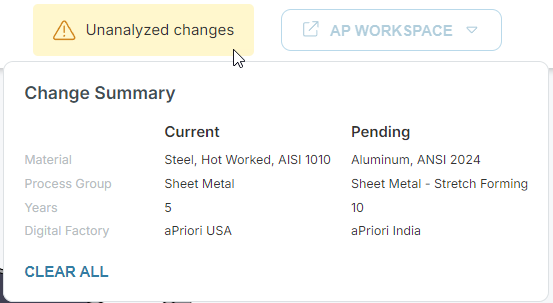
The summary includes a list of the inputs that have been changed and two sets of values:
- Current: Input values for the successful analysis and, therefore, for the current outputs.
- Pending: Input values that aPriori will use if the scenario is reanalyzed.
Click Clear all to revert from the Pending input values to the Current input values.