Edit a Comparison
You can make changes to a comparison using the options in the toolbar:
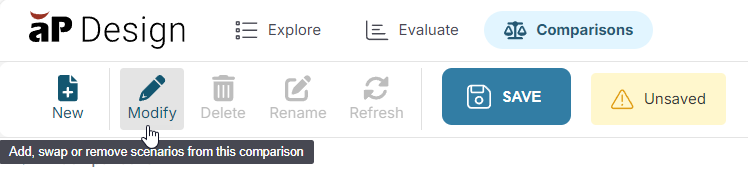
For example, to add one or more scenarios to the comparison, or to delete multiple scenarios at the same time, in the toolbar, click Modify:
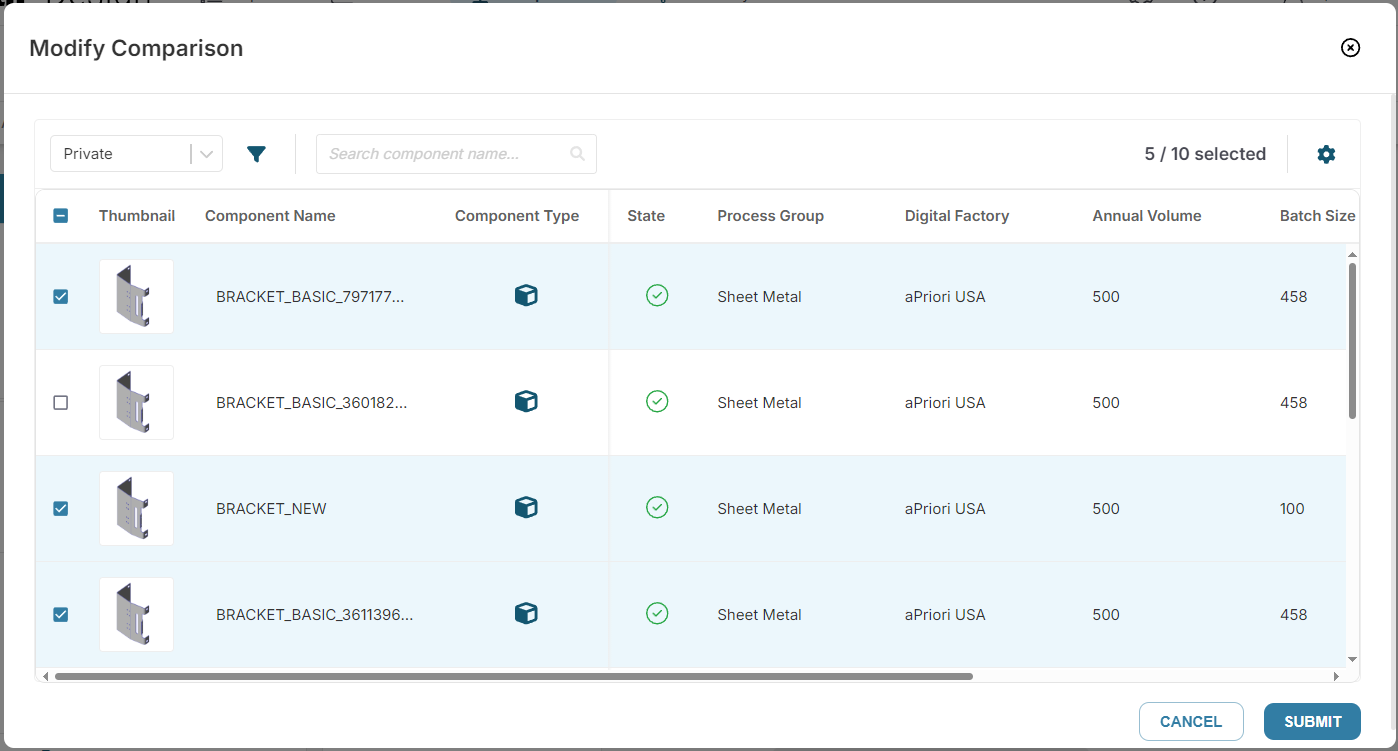
Then select or deselect scenarios for this comparison, and click Submit:
Customize a comparison
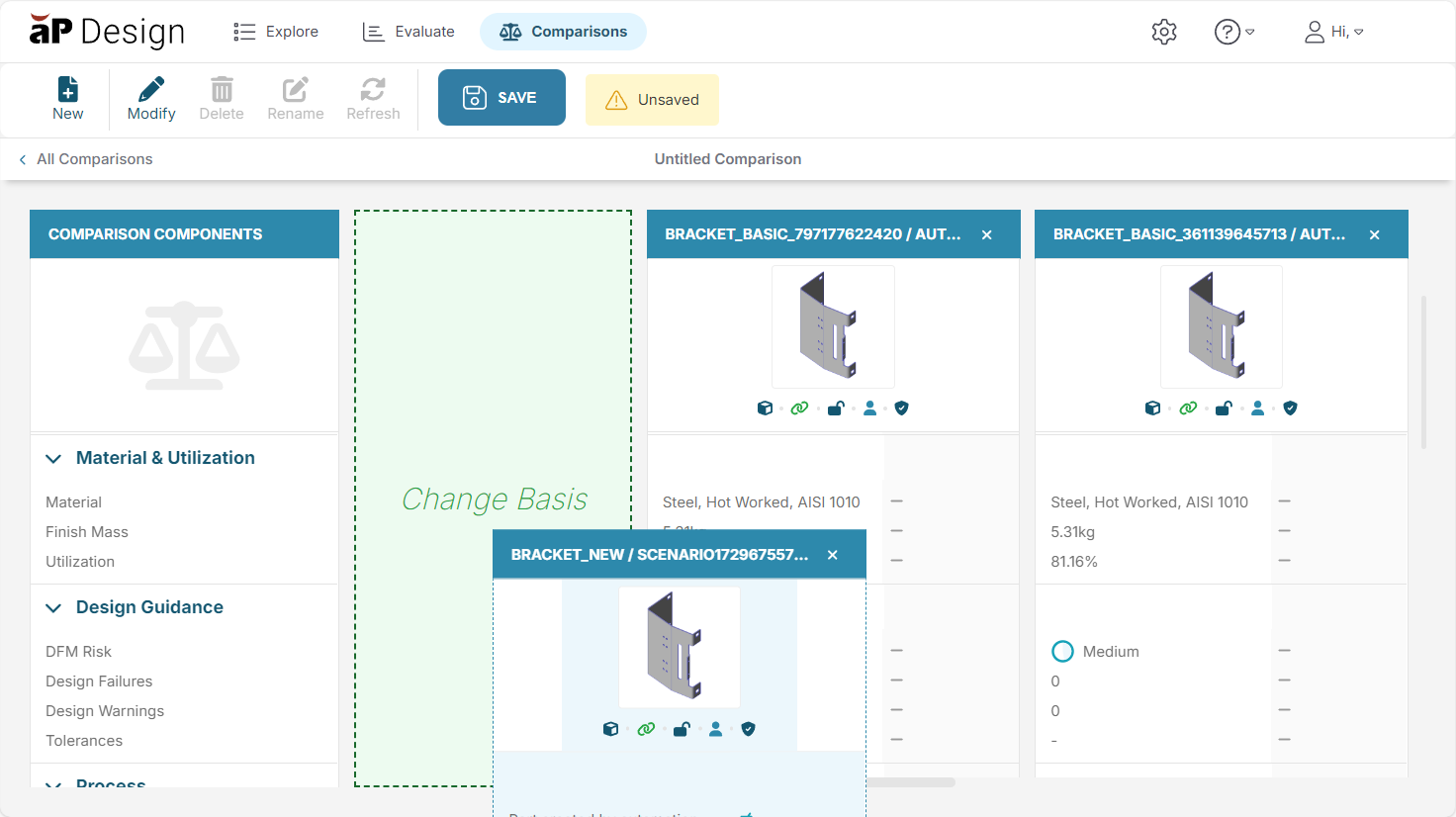
You can change the order of the columns on the Compare tab. For example, to change the Basis scenario, drag and drop another scenario to the Change Basis column: