More Learning Resources
The following are additional learning resources for aP Design.
Access aPriori Training
The aPriori Academy gives access to self-paced digital courses and Instructor-led training, including aP Design training.
Academy access is available for all aPriori users.
View In-Application Guidance
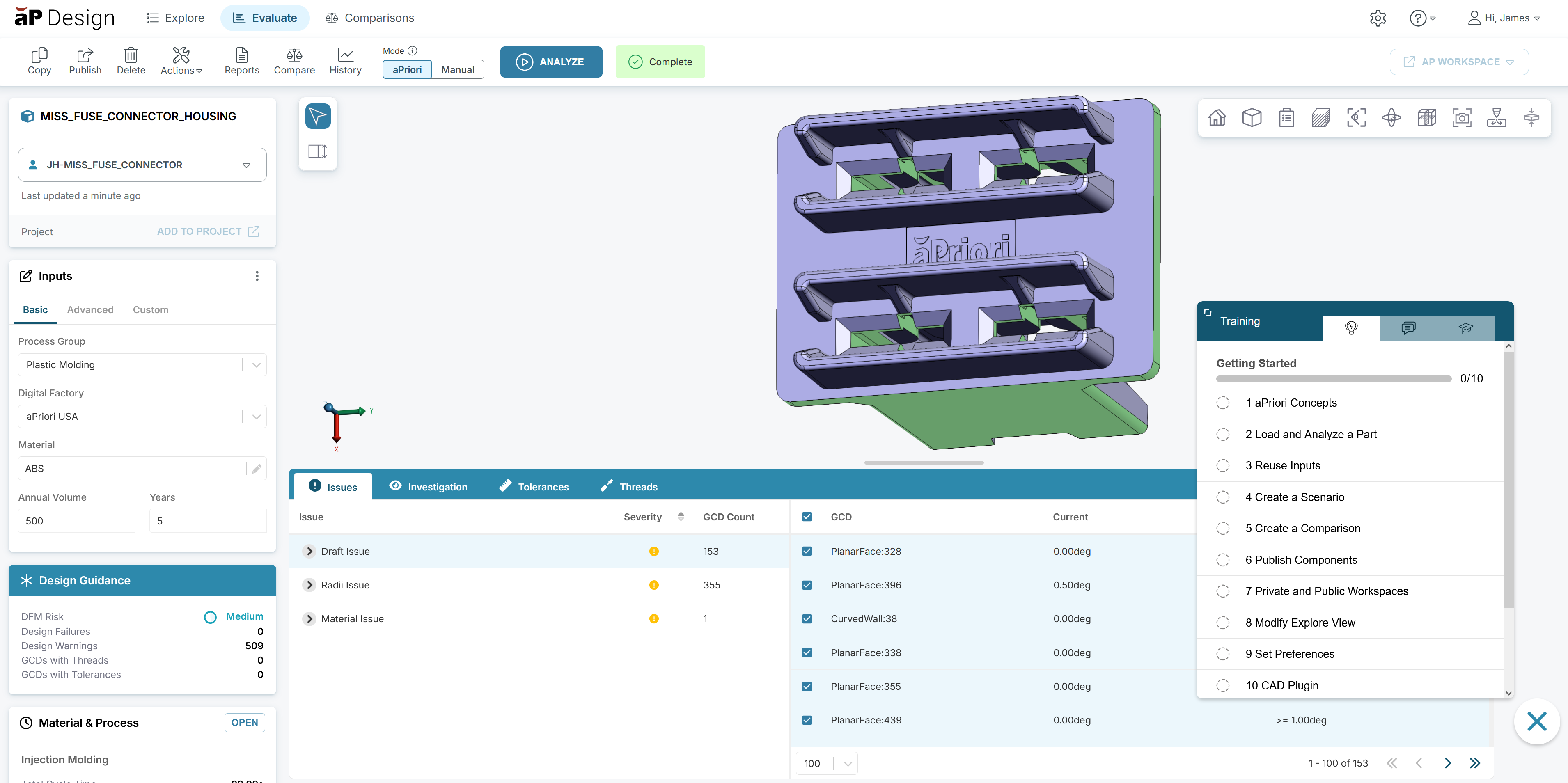
aP Design offers a Knowledge Hub that provides in-application guidance. Your aP Design session includes the Knowledge Hub only if your organization has included it in your deployment.
Info
Important: Ad blockers can block the Knowledge Hub from appearing in your session. If your organization has included the Knowledge Hub in your deployment, but it does not appear in your session, turn off your ad blocker and clear your browser cache.
The Knowledge Hub includes tutorials, quick-reference sheets, information about process groups, and a search field for relevant information that is available in the aPriori support center.
You can also use the Knowledge Hub to send feedback to aPriori.
To access in-application guidance , click the Knowledge Hub button, .
Use Sample Parts
To get started with aP Design or to explore different process groups, you can download a file containing sample parts from the aP Design Knowledge Hub, then use that file as a set of sample parts.
-
In the lower right corner of aP Design, click the Knowledge Hub button, .
Info
Important: Ad blockers can block the Knowledge Hub from appearing in your session. If your organization has included the Knowledge Hub in your deployment, but it does not appear in your session, turn off your ad blocker and clear your browser cache.
-
Scroll down to the Additional Resources section, then click Education Resources.
- in the Education Resources dialog, click Download Sample Parts.
-
Click the Download button, .
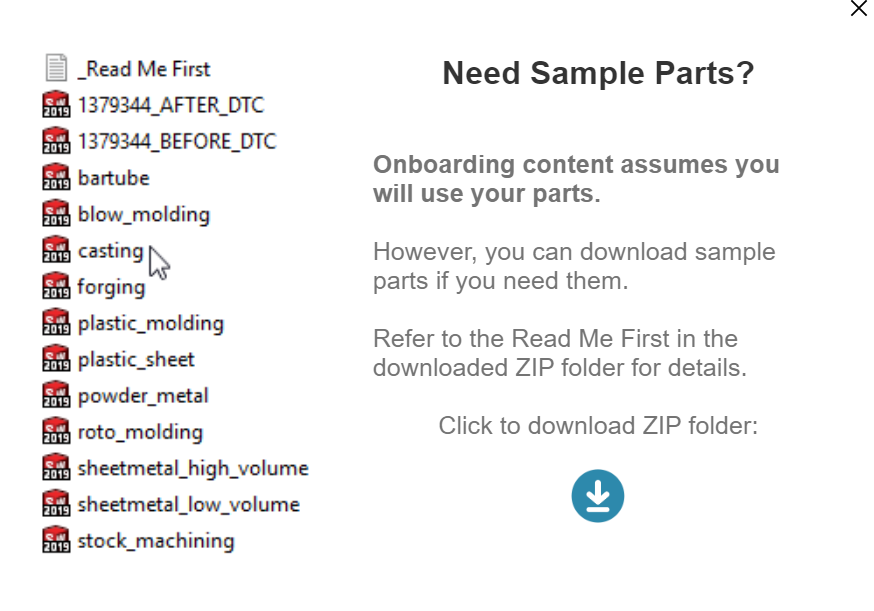
The files are downloaded in a zip file. The zip file also contains a text file that indicates which process group to use for each CAD file in the zip file.