Generate Reports
You can generate detailed spreadsheet reports for analyzed parts in a CSV (comma-separated value) file. This allows you to share part information with any others in your organization.
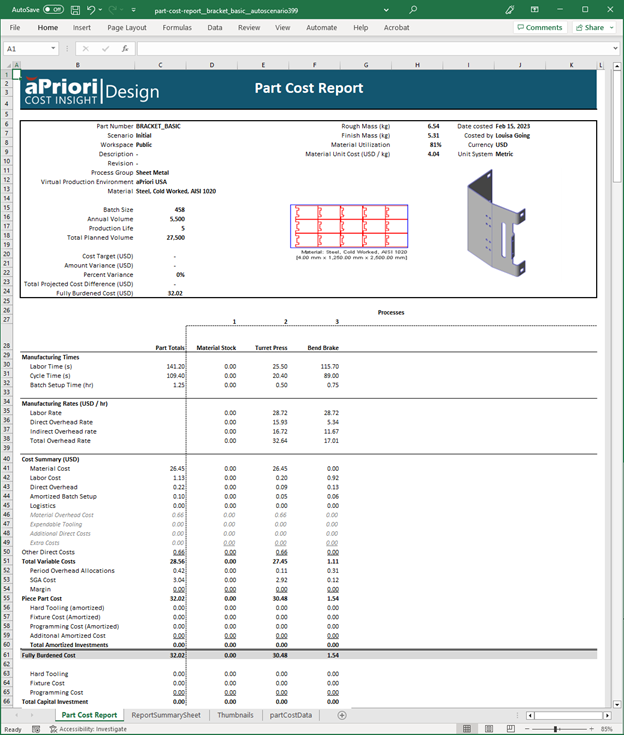
Example: Part Cost Report
This example shows a detailed cost report for a single analyzed part scenario:
Generate a Report
To generate and download a report in spreadsheet format for your analyzed part:
-
In the Evaluate tab toolbar, click Reports.

-
Select the report from the list that appears:
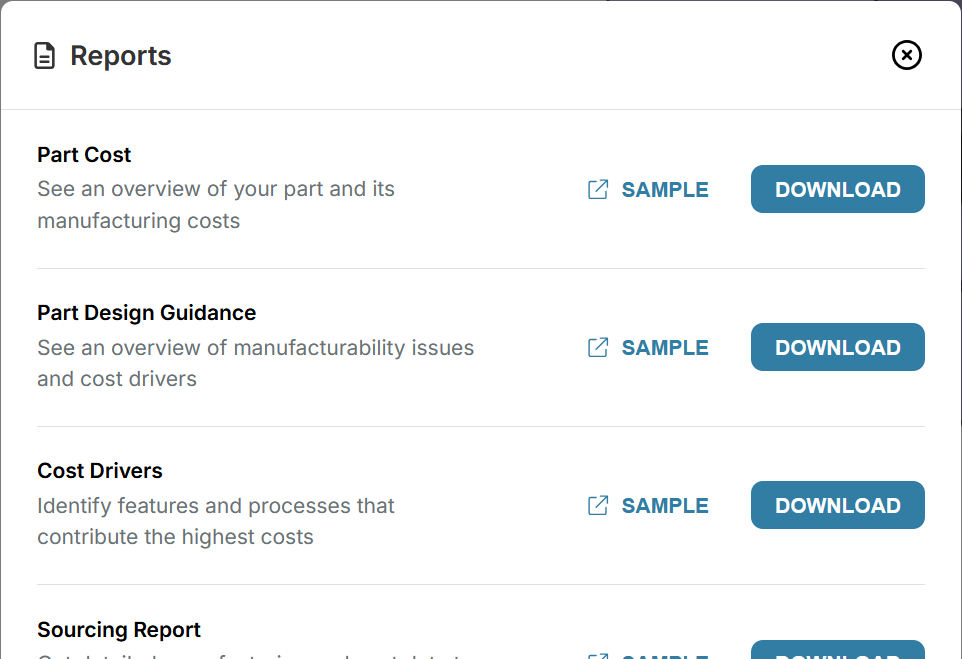
Click DOWNLOAD to generate that report, and automatically download it to your specified download folder.
Tip
Click SAMPLE to see an example of that report format, allowing you to check it before you generate and download it.