Find Components and Scenarios in Explore
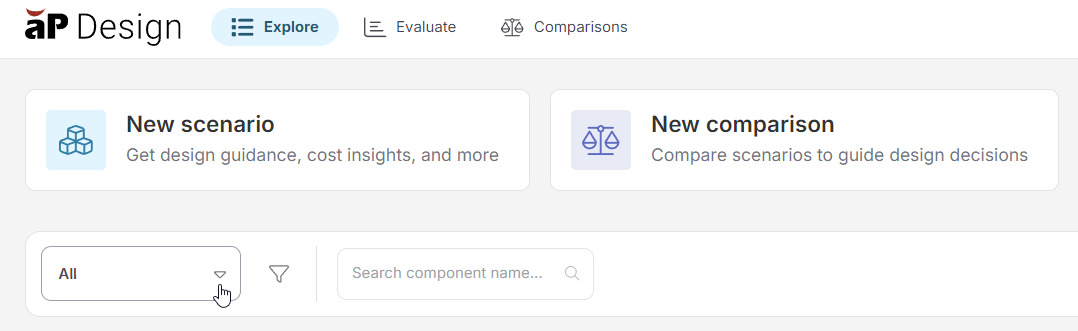
You can filter and search for scenarios or components on the Explore tab:
Info
You can combine searches and filters as needed.
Apply Filters
To apply a filter, expand the scenario filter dropdown menu and select a filter:
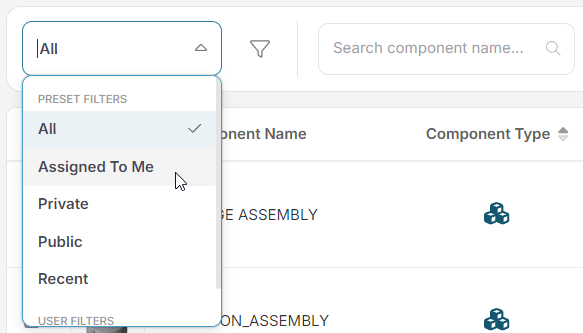
- PRESET FILTERS: show default filters.
- MY FILTERS: shows any custom filters you created. See Create and Apply a Custom Scenario Filter.
Apply Searches
To search by component name, use the Search field:
