Production and Manufacturing Information Input Improvements
Cost Insight Design (CID) Release Notes 2021 R1 SP1
Easily enter and update production and manufacturing information from a single input tile.
In the previous version of Cost Insight Design, on the Explore tab, you had to use several different tiles, panels, and windows to enter the production and manufacturing information (PMI) for a scenario. Now, you can enter the PMI inputs on a single tile, which, as required, automatically opens associated selector windows.
The new Explore tab INPUTS tile contains three tabs:
- Primary
- Secondary
-
Custom Attributes
The Primary tab contains input fields for the Process Group, Digital Factory, Material, Annual Volume, and (number of production) Years.
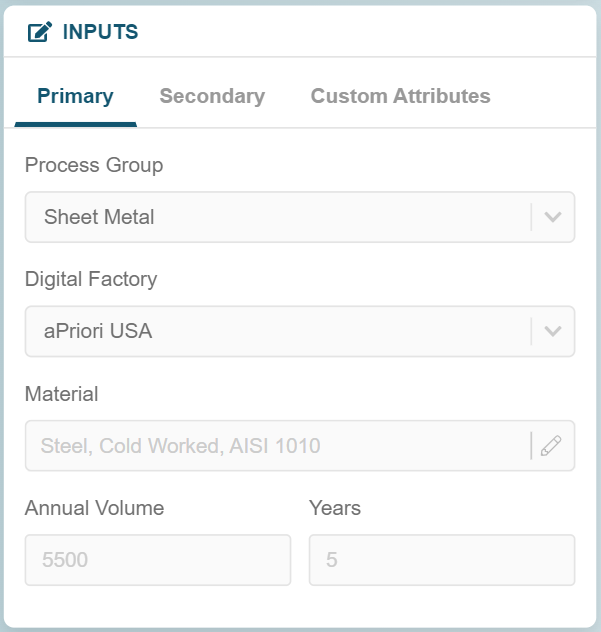 The Material field automatically opens the Material Selector window, which replaces the Material Composition window from the previous version of Cost Insight Design. The Material Selector window enables you to review the material properties and to select a material based on the specified Process Group and Digital Factory.
The Material Selector window also includes:
-
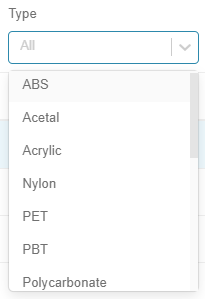
The Type dropdown menu which allows you to select a category of materials, based on the specified Process Group, to examine.
-
A Search field for quickly filtering to or displaying the materials that you want to examine.
You can more robustly filter the displayed materials by using both the Type and Search fields.
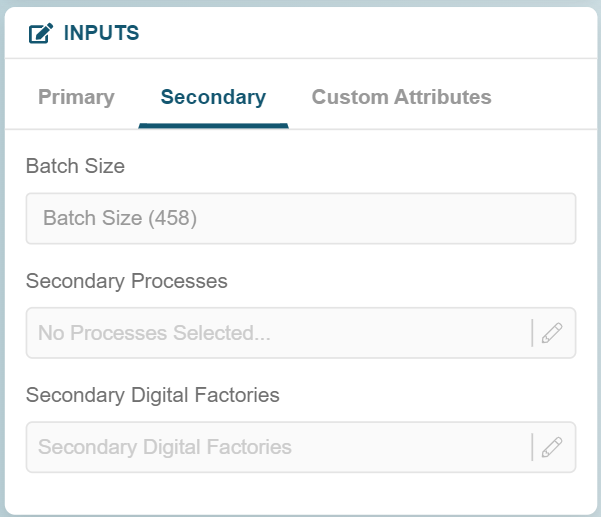
The Secondary tab contains input fields for the Batch Size, Secondary Processes, and Secondary Digital Factories:
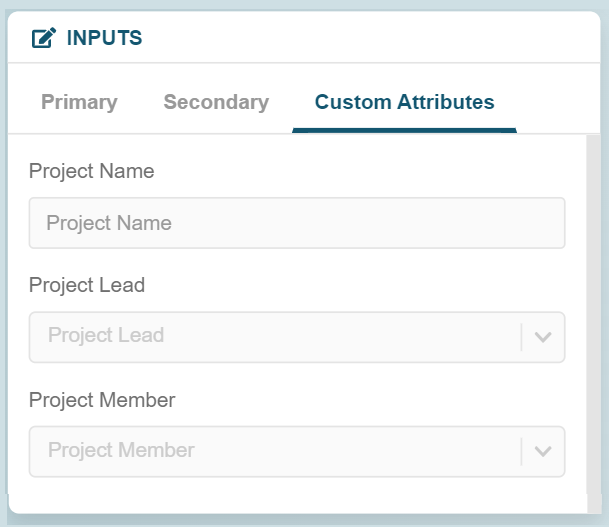
 The Custom Attributes tab contains input fields for any user defined attributes (UDAs) that your organization uses. This figure shows an example of a Custom Attributes tab.