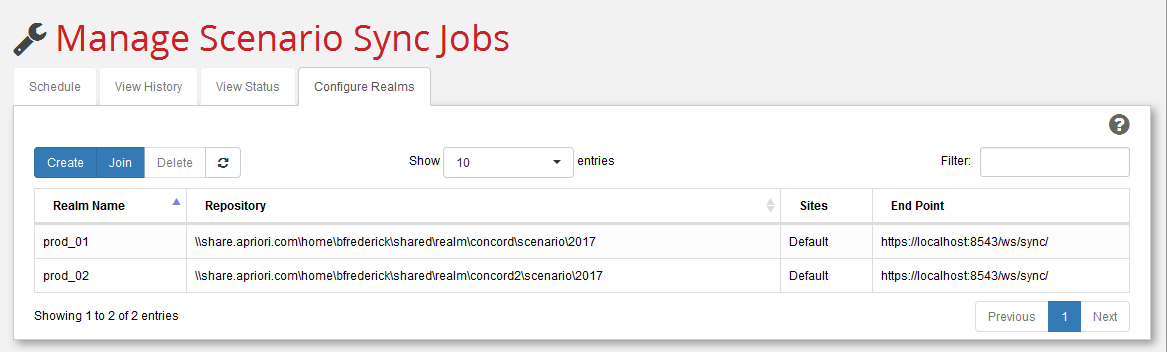
Scenario Sync Configure Realms tab
Use this tab to create, join, and delete realm repositories.
-
Use Create to define a new realm repository. For a detailed example see Configure the realm repository.
-
Use Join to become a member of an existing realm repository. See Have other sites join the realm for an example.
-
Click Delete to permanently remove an existing realm that you have selected from the list.
-
Use the Show n entries pull-down menu to control the number of realms to display.