aP Analytics Out-Of-Box Reports
This section describes default reports in aP Analytics, called Out-Of-Box (OOB) reports.
aP Analytics provides a variety of default reports. Some are sample reports showing different reporting concepts. Other reports support generic reporting needs and specific use cases, such as spend analysis and value tracking.
Important:
After any installation or upgrade, and before using Out-of-Box reports, you must ensure your currency exchange rates are up to date, and export data from aPriori, to use the foreign exchange rate table. See Manage System Data Export
Types of Reports
- Deployment Leader Reports: Includes Scenario Activity, User Activity, and Migration reports
-
DTC Metrics Reports: Includes DTC Part Summary, plus Process Group specific reports, such as Casting DTC Reports, Machining DTC Reports, and Sheet Metal DTC Reports
-
General Cost, Scenario Comparison, and Cost Avoidance Reports: Includes Assembly Cost, Component Cost, and Scenario Comparison reports
- Solution Reports: these include:
- Sourcing Reports: such as Cost Outlier Identification and Spend Analysis Value Tracking reports.
- Design To Cost Reports: such as Cycle Time and Target Cost reports.
- Quoting Reports: such as Digital Factory Performance and Digital Factory Performance Details reports.
View Reports
Note:
All reports require some scenario export data to work with - see the aP Admin User Guide for details..
-
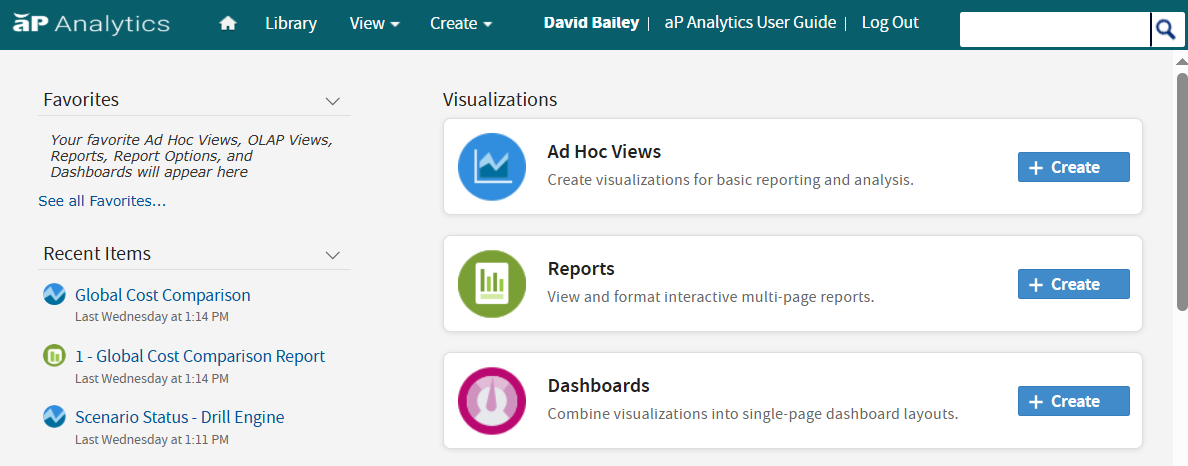
From the aP Analytics home page, click Reports:
-
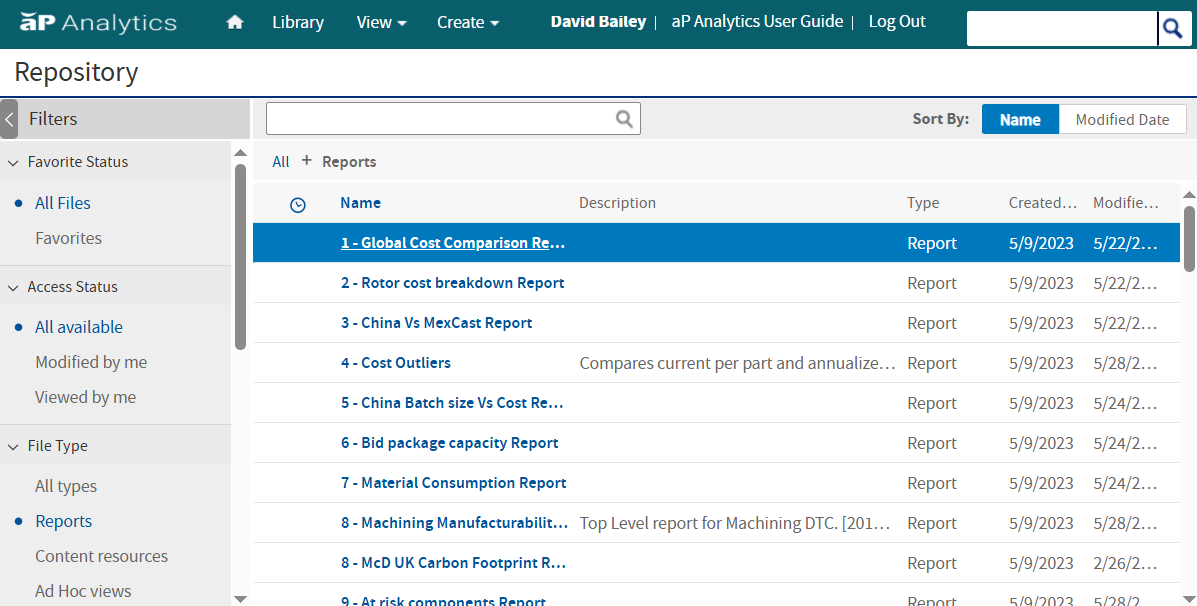
You will then see a list of available reports:
Info
See Out-of-Box Report Descriptions for more details.