Deleting an Existing Domain
You may wish to delete a domain if its contents are no longer relevant. For example, you might have a domain you used while learning how to create Ad Hoc reports, and now wish to delete this experimental environment. Or you may have upgraded to a newer version of aP Analytics, and the reports in the more recent domain have superseded the older reports.
Caution:
This procedure will delete all existing Ad Hoc reports in the domain.
- Log into JasperReports® Server.as described in Log in to aP Analytics.
- Click View > Repository from the toolbar.
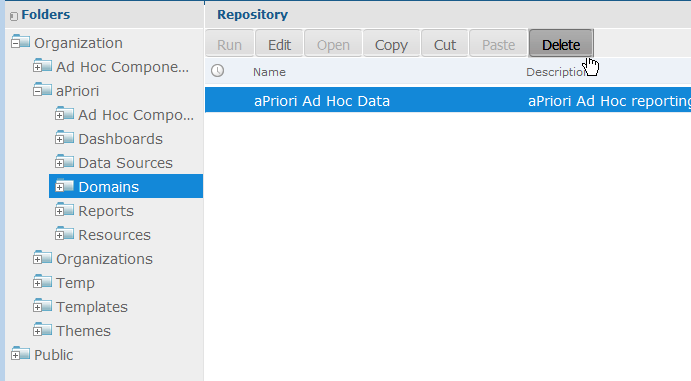
- In the left pane, navigate to Organization > aPriori > Domains.
-
Select the target domain and click Delete.
-
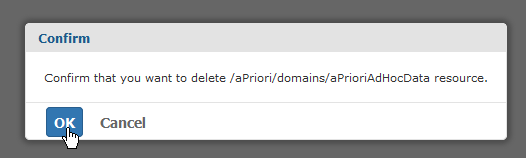
Click OK when prompted to confirm the deletion.