Using Reports and Ad-Hoc Views
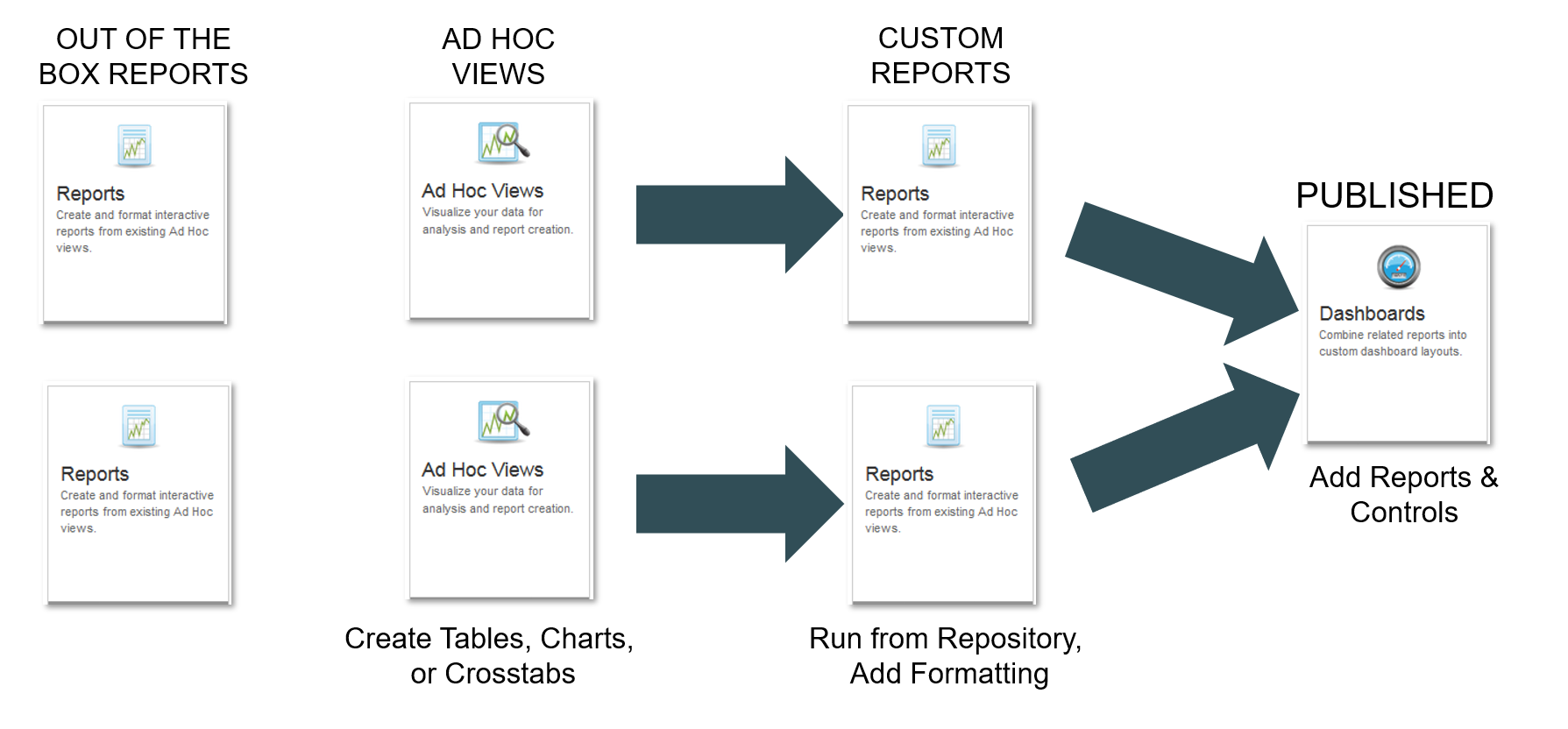
You can use aP Analytics to view pre-defined reports (out-of-the-box or custom) or to create dashboards, Ad Hoc views, and reports.
Note:
To use any aP Analytics reports, you must first export one or more scenarios from aP Pro to the aP Analytics reporting database, as described in the aP Admin User Guide.
Key Features
- To run simple reports, either default or custom, see Use aP Analytics Default Reports.
- To create ad-hoc reports, see Use aP Analytics Ad Hoc Reports.
-
To create dashboards, see Create Dashboards
Important:
Pop-up blockers can interfere with the display of some reports. If a report starts to appear on your screen and then hangs, turn off any pop-up blocker software, or try using a different browser.