Domain
The default domain in aP Analytics is titled aPriori Ad Hoc Data <version>, where <version> is the version or aPriori software that you are using, The aPriori Ad Hoc Data domain includes visualizations (types of tables and charts), fields, and measures that you can use to create an Ad Hoc view. Your aPriori aP Analytics database is the data source for the aPriori Ad Hoc domain. For more information, see Data Sources.
You may find it easier to understand Jaspersoft Domains if, while perusing the information provided herein, you open the aPriori Ad Hoc Domain to the Domain Designer in aP Analytics.
Note:
To open the Domain Designer, you must have admin privileges.
To Open the Domain Designer
-
In the aP Analytics menu bar, click View > Repository.
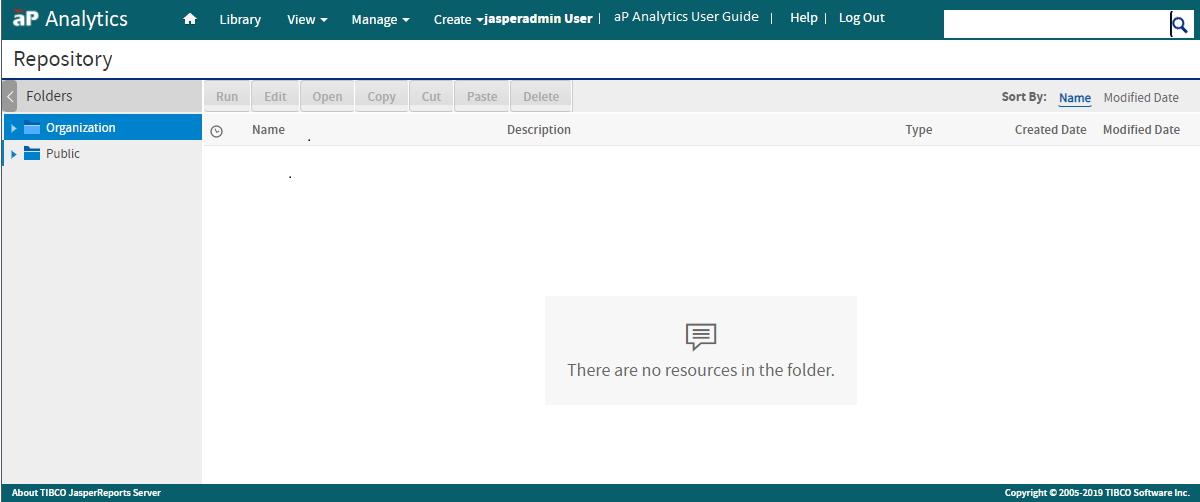
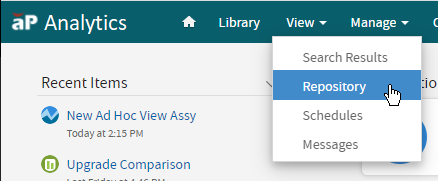 The Repository opens.
-
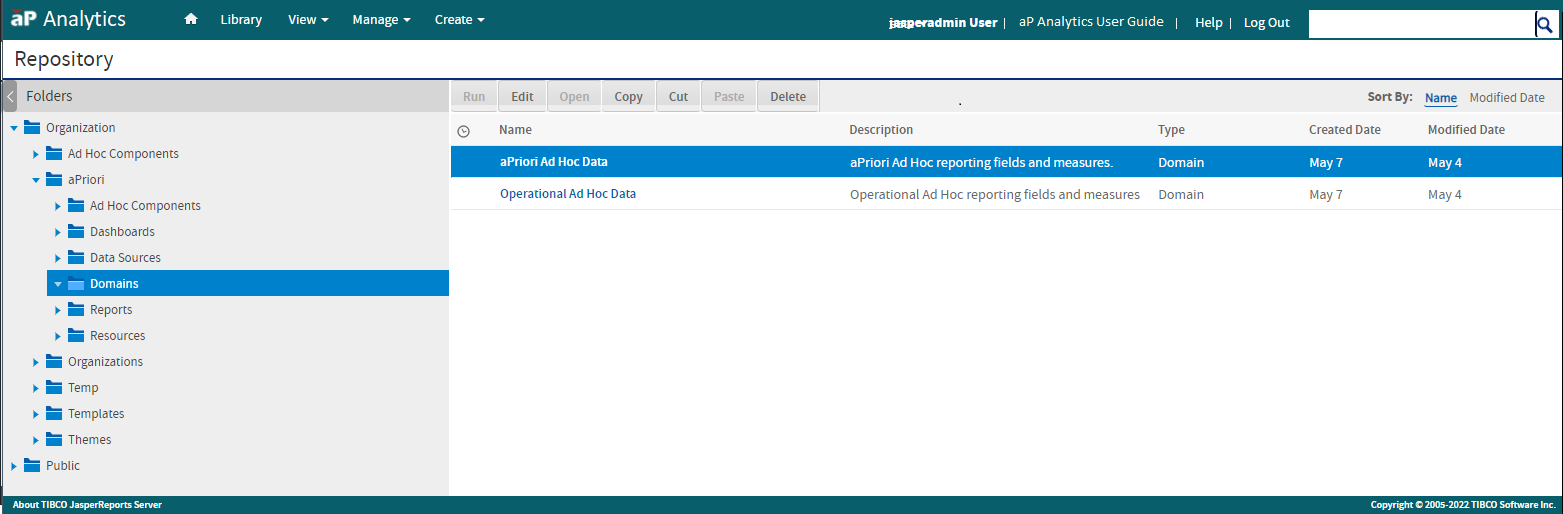
On the left side of the page, in the Folders panel select Organization > aPriori > Domains. The aPriori Ad Hoc Data, appended by the aPriori software version, appears in the list of Domains.
Tip:
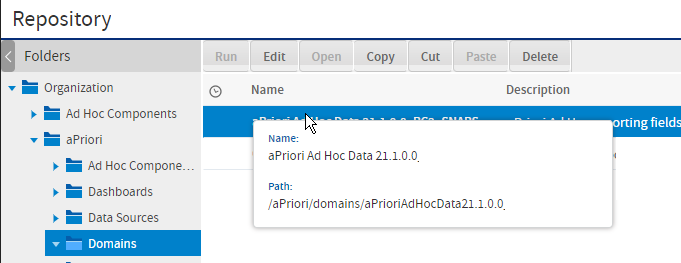
To display a tooltip that includes the path to a Domain, hover over the name of the Domain.
-
Select aPriori Ad Hoc Data <version> and then, in the Repository menu bar, click Edit.
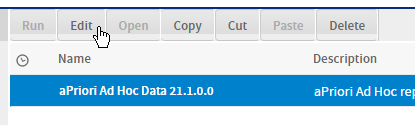 The aPriori Ad Hoc Data Domain opens to the Domain Designer.
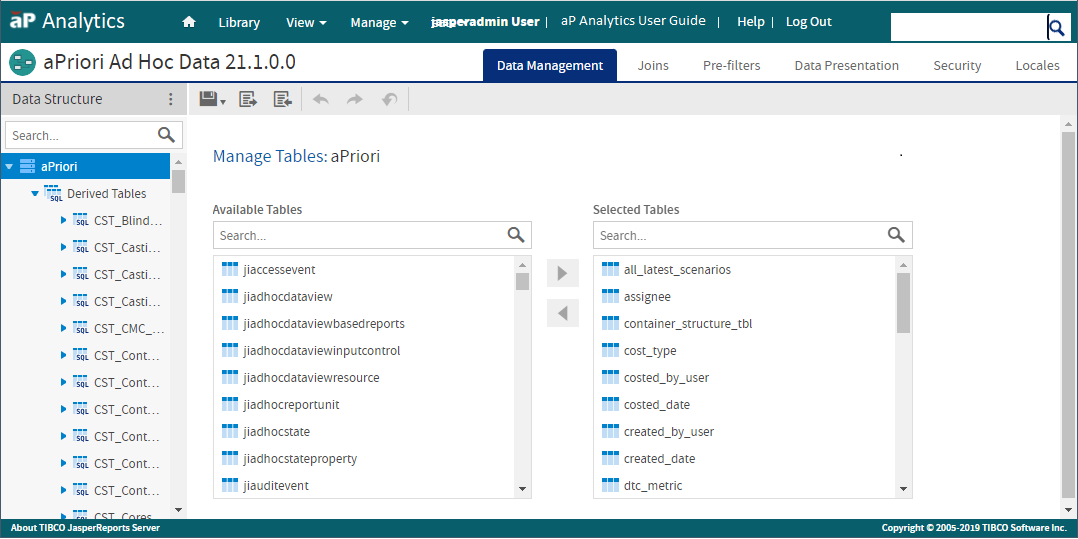 In this figure, the Domain Designer is open to the Data Management tab, on which you can manage the tables in a Domain. For more information on the tables in the aPriori Ad Hoc Domain, see, see Tables Mapped to the aPriori Ad Hoc Data domain .
Caution:
Do not make or save any modifications to the aPriori Ad Hoc Data Domain. If you accidentally update the Domain, when you close the Domain, click Cancel. Do not click the Submit button.