Scenario Sync View Status tab
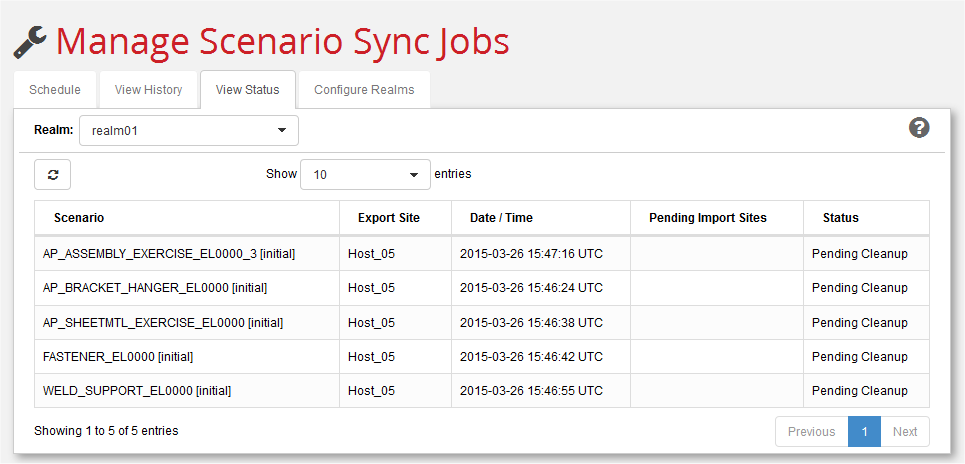
Use this tab to review the status of the scenarios that have been synchronized.
.
-
Use the Realm: pull-down menu to select which synchronized scenarios to display.
-
Use the Show n entries pull-down menu to control the number of synchronized scenarios to display.
-
Use the Refresh button () to update the list of scheduled jobs.
-
Export Site is the site that exported the scenario.
-
Date/Time is the save date of the exported scenario.
-
Pending Import Sites lists any sites in the realm that have yet to mark the site as IMPORTED.
Status will generally be ‘Pending Cleanup’ or ‘Pending Import’, depending on whether there are any pending import sites.