Creating Folders
You can create new folders in your Home Folder:
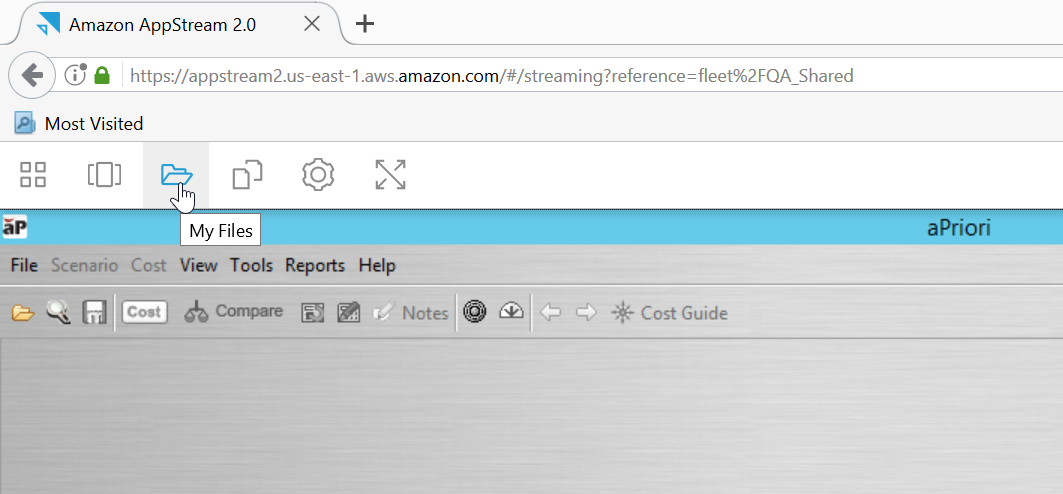
- Click the My Files icon,
 , in the AppStream toolbar:
 -
The My Files screen appears:
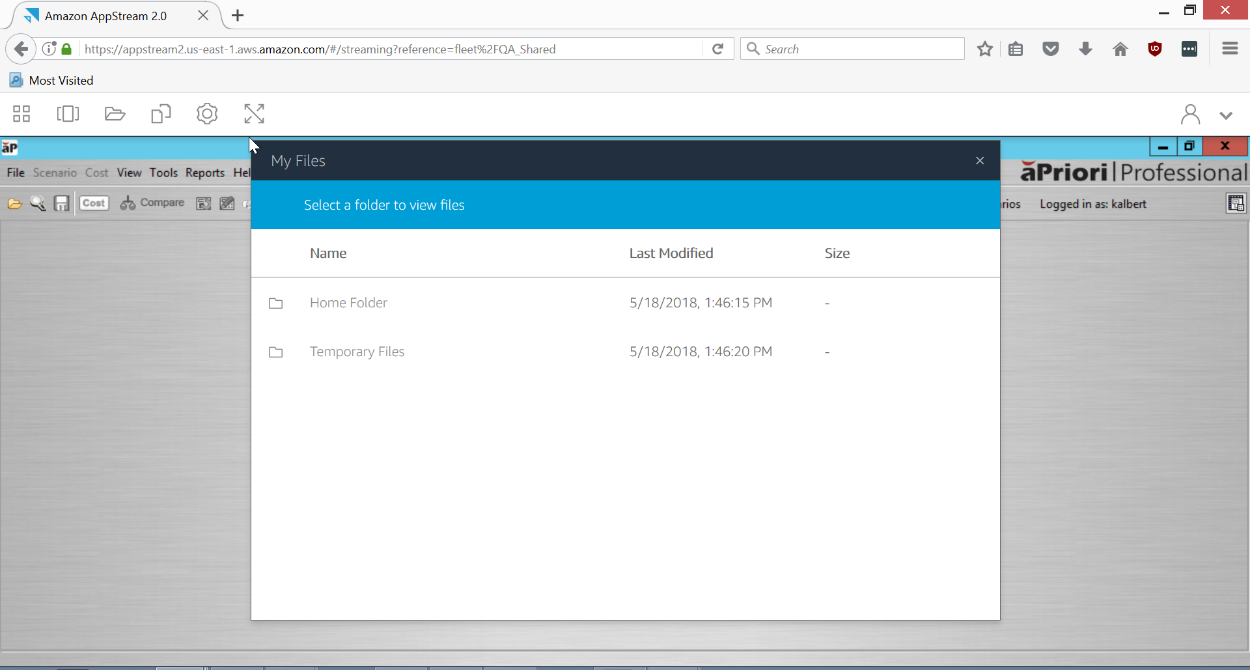
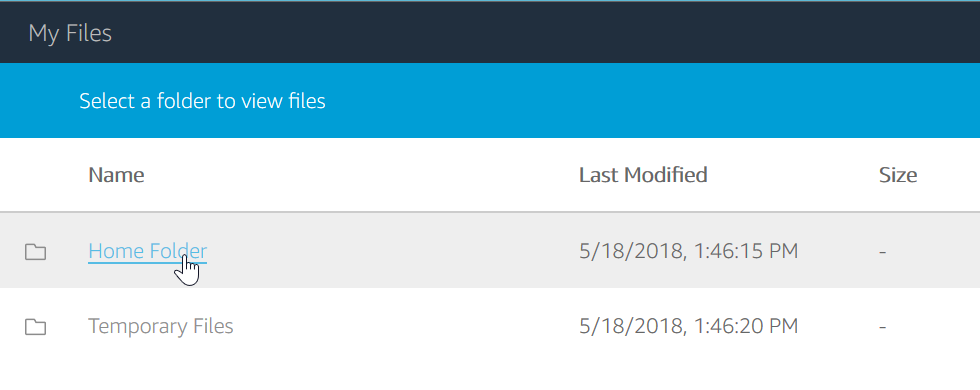
Click Home Folder (or, in general, navigate to the folder in which you want to place the new folder):
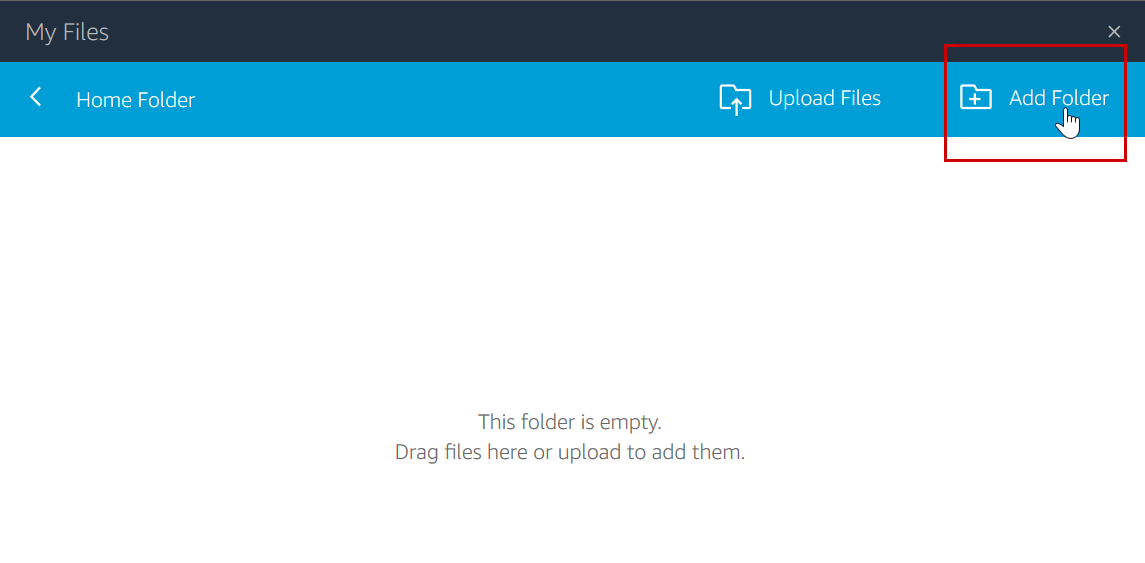
The empty Home Folder is displayed.
Note:
Place your files and folders under the Home Folder. You can also use the Temporary Files folder but note that anything in the Temporary Files folder is deleted at the end of each session.
-
Click Add Folder near the screen’s upper right corner:
-
In the text field, type the name that you want to give to the folder, and press Enter:
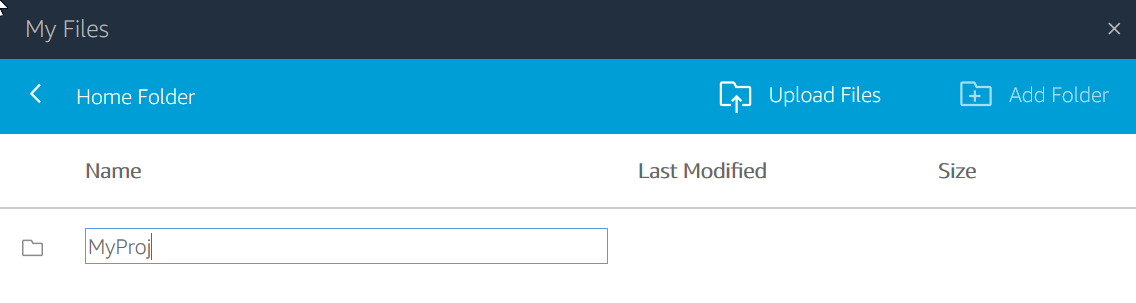
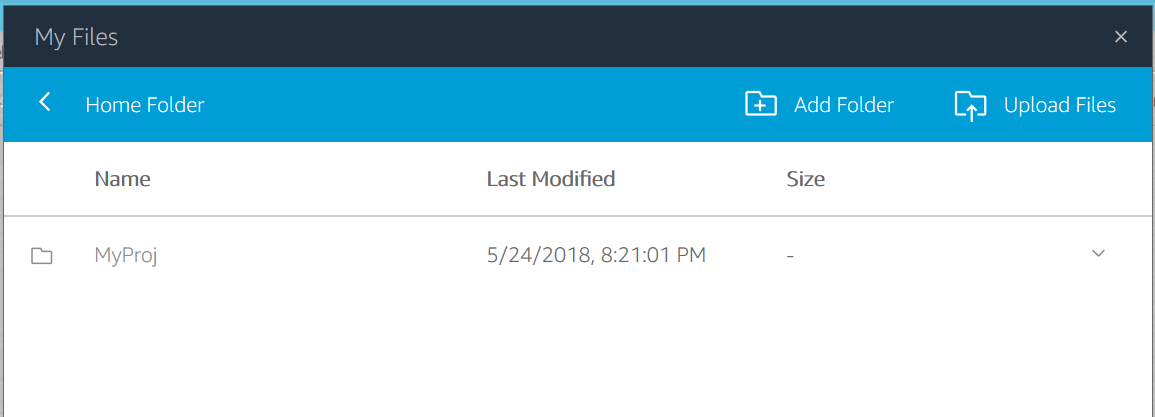
The new folder is added to your current folder (the Home Folder, in this case):