Managing users
Important:
If you are a cloud customer, you should NOT add users through the System Admin module. Instead, you should use the aPriori Cloud User Management service.
The aPriori System Administrator window allows you to create, update, delete, and reactivate users, as well as to control their access to the administration tools, set their default currency, and define their default component database.
Note:
All user change management actions (create, update, delete, and activate) are tracked and recorded in the aPriori database. This includes changes implemented through the UI, spreadsheet import of users, and LDAP map/sync. If you activate a removed user and at the same time modify other fields, only “activate” is recorded.
Manage aPriori users
Click Users in the Navigation pane to display the Users tab.
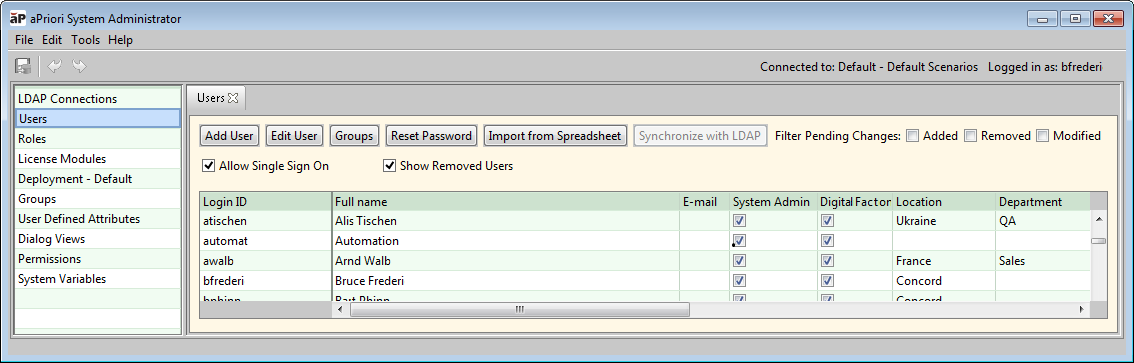
Click a column header to sort the table by that column. Click again to reverse the sort.
aPriori user password requirements
Do not use these characters in aPriori user passwords because they cause problems when they are included in input arguments that are passed to command line utilities:
%(percent)^(caret)"(double quote)'(single quote)
When an aPriori account password is passed as an input argument to a command line utility, as a best practice, wrap the password in double quotes.