Managing the Official Scenario default policy
The Official Scenario Setting field enables System Administrators to configure consistent behavior across a user base for assembly scenario associations.
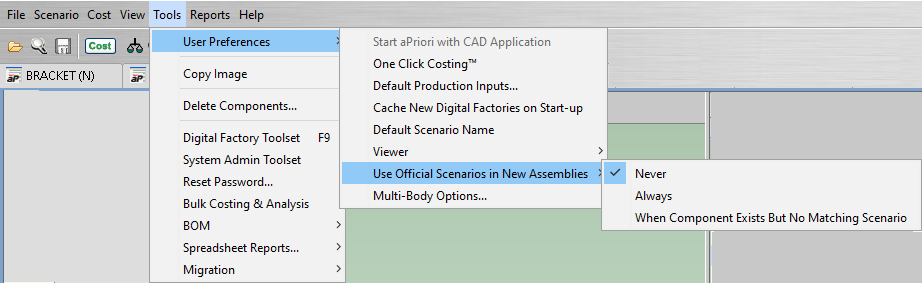
The Tools > User Preferences menu in aP Pro includes the Use Official Scenarios in New Assemblies setting, as shown in this figure.
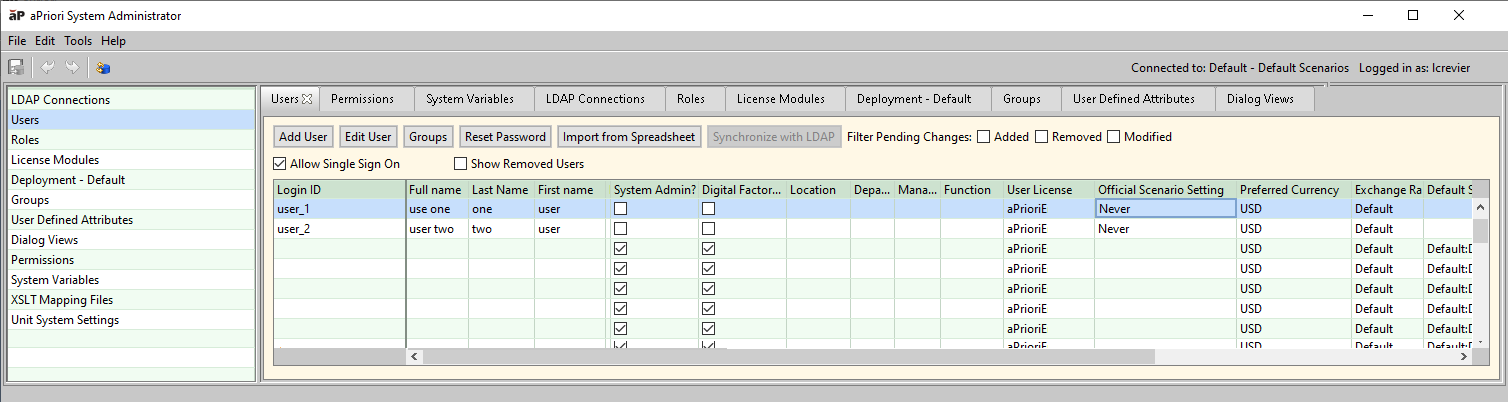
aPriori System Administrators can configure the default value for the Use Official Scenarios in New Assemblies setting for users via the Official Scenario Setting field, which is in the Users table in the System Administrator Toolset, as shown in this figure.
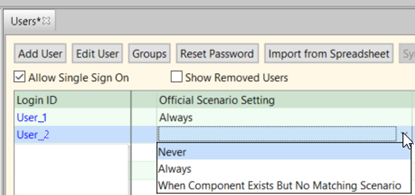
The Official Scenario Setting field has the same three options as the Use Official Scenarios in New Assemblies:
- Always: The Official scenario of the child is used unconditionally. In other words, aPriori must always represent the subcomponent in the assembly scenario with the child component scenario that is the Official scenario for the subcomponent.
- When Component Exists But No Matching Scenario: The Official scenario of the child is used only when the child component exists but does not have a scenario matching scenario for the assembly. In other words, if an assembly is imported but the CAD file for a subcomponent in the assembly was not simultaneously imported, and an Official scenario for the subcomponent already exists, then aPriori uses the Official scenario for the subcomponent. However, if an assembly is imported and the CAD file for a subcomponent in the assembly is simultaneously imported, then aPriori uses the scenario that was created for the subcomponent as a result of the import even if an Official scenario for the subcomponent already exists.
- Never: A new scenario matching the assembly scenario is created and rolled into the assembly. In other words, if a new assembly is imported, regardless of whether a CAD file for a subcomponent in the assembly is also imported, and regardless of whether an Official scenario already exists for the subcomponent, aPriori creates a new scenario for the subcomponent and includes the new subcomponent scenario in the assembly scenario.
aPriori assumes a value of Never for Official Scenario Setting when there is no value in the field, and by default, there is no value in the field.
For consistent behavior across a deployment, select the same value for the Official Scenario Setting for all users in the deployment. The selected policy is applied whenever a user:
- Imports a CAD file or a BOM for a new assembly model.
- Adds a subcomponent to an assembly scenario.
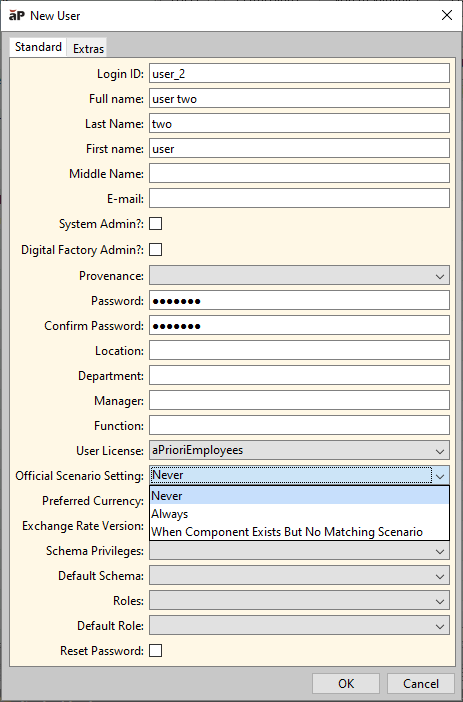
When you add a new user, as shown in this figure, you can select the Official Scenario Settingthe value that matches the value for your policy.
Note:
A user can use the Use Official Scenarios in New Assemblies user preference to override the default value that a System Administrator has selected for the Official Scenario Setting field.