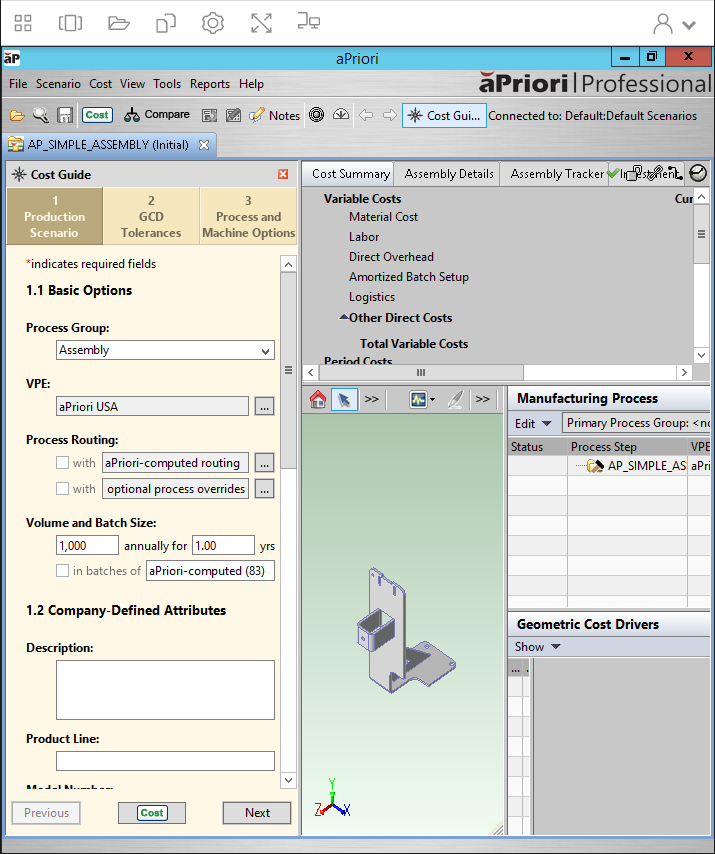
Opening CAD Files in aP Pro
To open a CAD file from your Home Folder:
-
From the aP Pro menu bar, select File > Open CAD File.
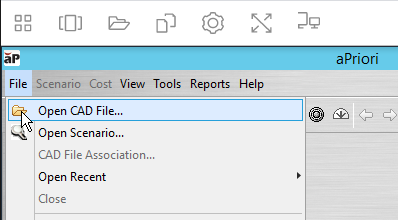
The Open CAD File window opens.
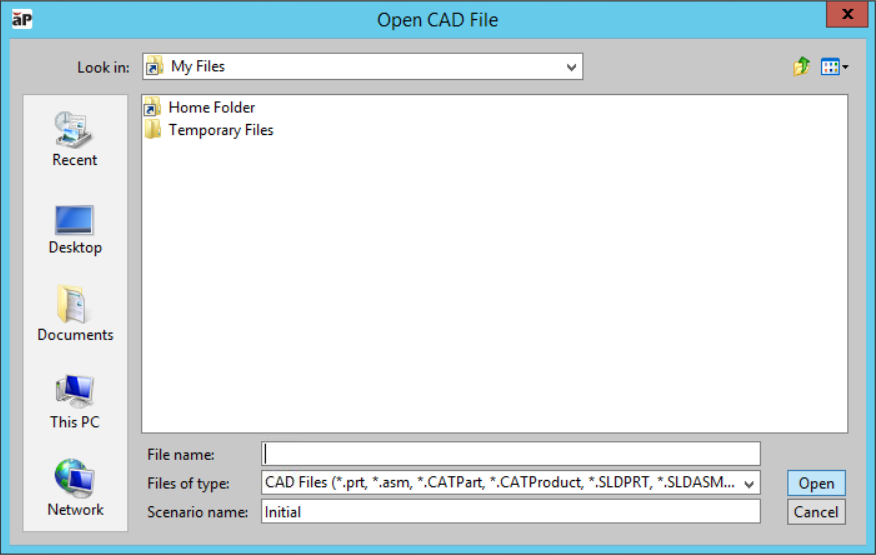
From the Open CAD File window, you can access your Home Folder directory and your Temporary Files directory.
-
Open the directory that contains the CAD file that you want to open, select the file, and then click Open.
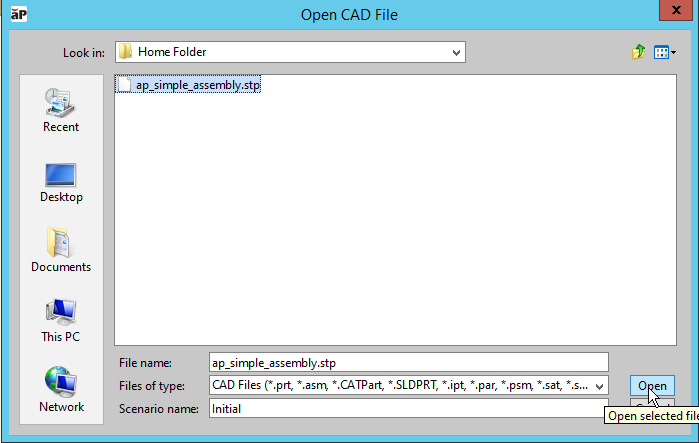
The CAD component opens in the aP Pro window.