Define Regional Settings
You can configure regional settings for your location or language. Any changes that you make will apply to future streaming sessions.
-
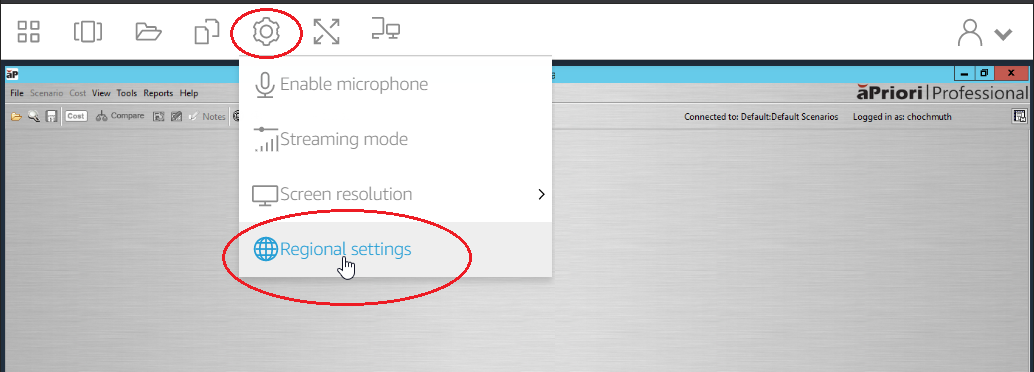
From the AppStream toolbar, select Settings > Regional settings.
-
In the Regional settings dialog box, you can set:
-
Time zone: determines the system time used by Windows and any applications that rely on the operating system time.
-
Locale (also known as culture): determines how Windows displays numbers, currency, time, and dates. AppStream 2.0 supports the following locales: Chinese (Simplified and Traditional), Dutch, English, French, German, Italian, Japanese, Korean, Portuguese, Spanish, and Thai.
-
Input method: determines the keystroke combinations that can be used to input characters in another language.
-
-
Click Save.