Deleting Folders and Files
To delete a file or folder from your Home Folder, use this process, which is a workaround for some current limitations in the AWS AppStream service.
-
Select Explore Logs Directory… from the aPriori Help menu:
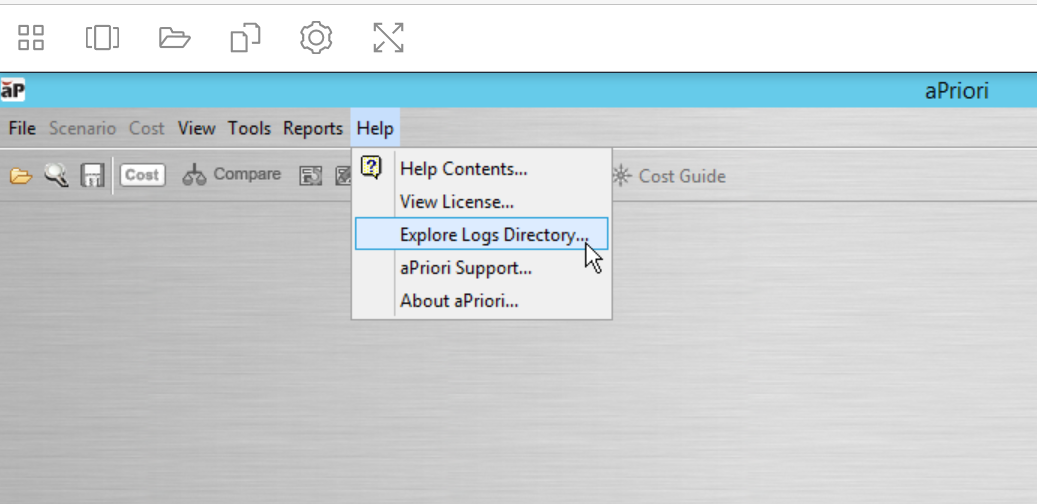
Windows File Explorer appears.
-
Click This PC in the navigation pane of File Explorer, and then double click Home Folder. If necessary, navigate to the sub-folder that contains the file or folder that you want to delete.
-
Right-click the file or folder that you want to delete and select Delete from the context menu.
Note:
This is a workaround for some current limitations in the AppStream service from AWS. We expect new features and capabilities to be added to AppStream in the near future.