Removing cost overrides
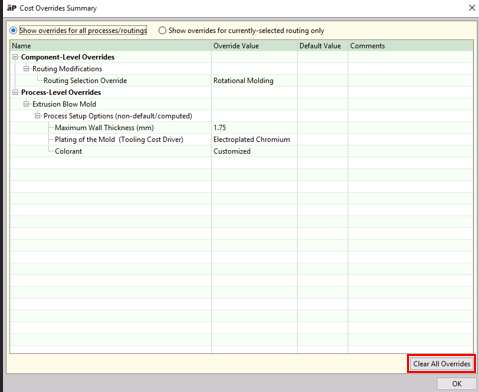
In addition to organizing and summarizing these many types of inputs and overrides, the Cost Overrides Summary dialog also enables you to undo (revert) all or selected overrides.
-
In the Manufacturing Process pane, select Edit > Cost Overrides Summary.
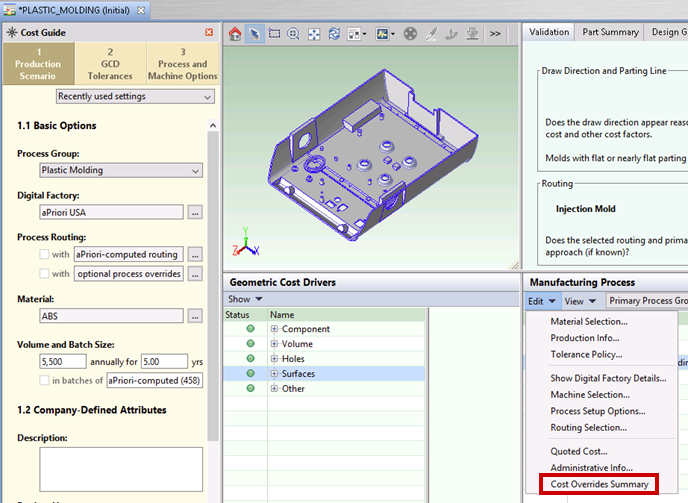
The Cost Overrides Summary dialog appears.
-
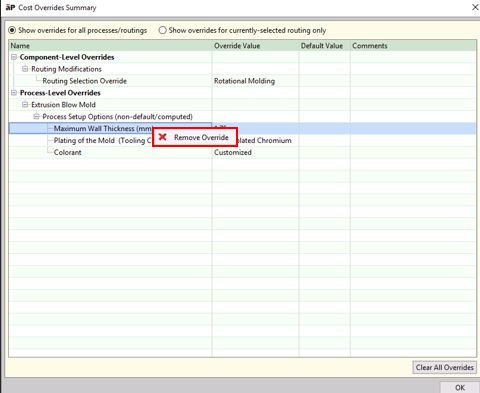
To remove an individual override, right-click the override to be removed and select Remove Override.
To remove all overrides for the current component, click the Clear All Overrides button at the bottom of the dialog.