Managing process groups
A process group is a set of processes that are of the same manufacturing type. For example, the Sheet Metal process group includes processes such as Laser Cut, Bend Brake, and Shear processes, while the Casting process group includes Die Cast and Sand Cast processes. Components may often be completely manufactured using processes in a single process group. Other times, a part or assembly requires multiple process groups, such as Casting, Machining, and Finishing.
The Deployment Data Administration tool allows you to select the default Digital Factory for each process group.
Displaying process group data
Click Process Groups in the Navigation pane to display a Process Groups tab in the Data pane.
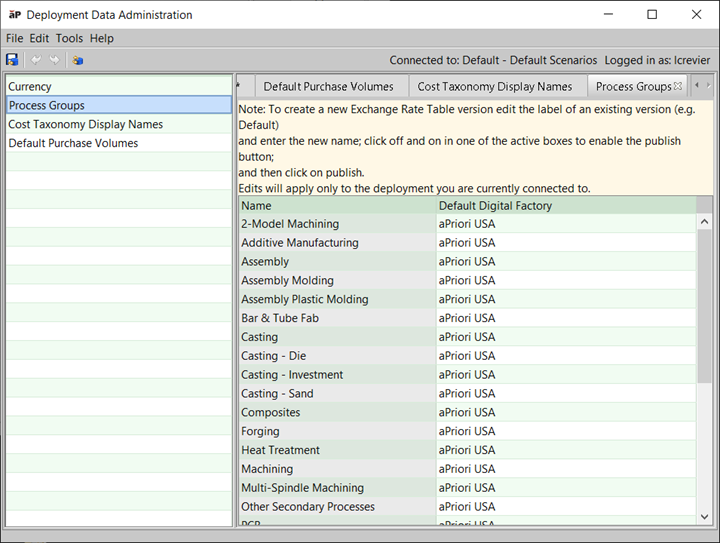
Setting the default facility for a process group
- Click Process Groups in the Navigation pane to display a Process Groups tab in the Data pane.
- Double-click the Default Digital Factory cell to display the drop-down list and select the default facility.
- Select File > Publish Digital Factory from the Deployment Data Administration menu bar or click
 in the toolbar to save your changes.