Renaming Folders and Files
You can rename a folder or file as follows:
-
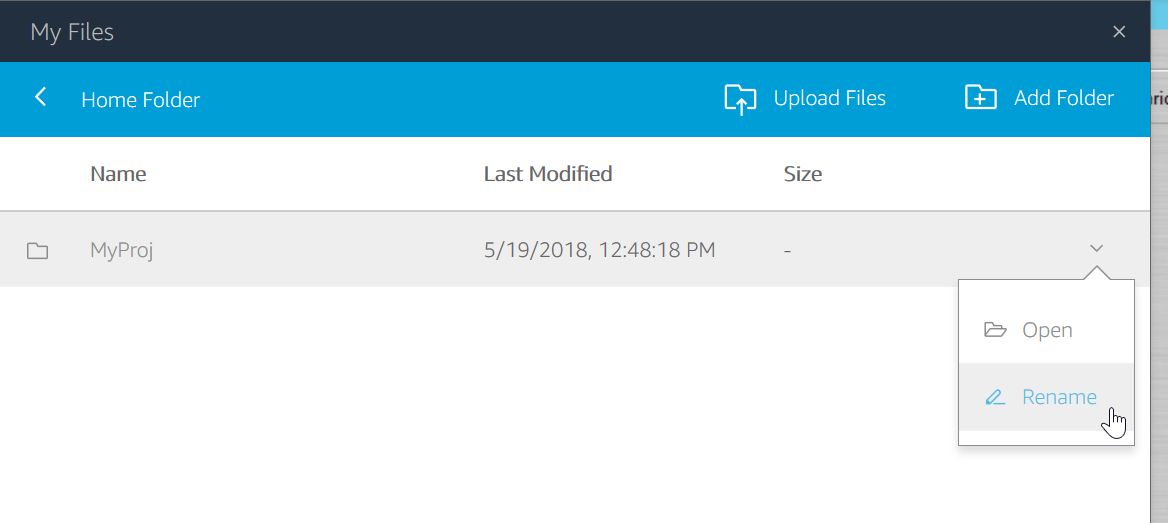
Click the menu icon on the right of the line that lists the folder or file to be renamed, and select Rename from menu:
-
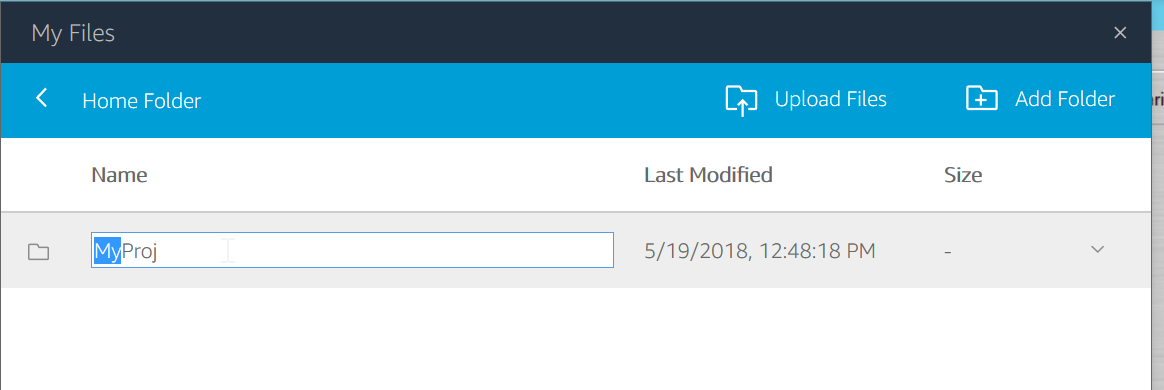
Edit the text field, and then press Enter:
You can rename a folder or file as follows:
Click the menu icon on the right of the line that lists the folder or file to be renamed, and select Rename from menu:
Edit the text field, and then press Enter: