Copy a Digital Factory
Introduction
You can copy an existing Digital Factory, inheriting data from a parent Digital Factory.
Note:
This is the recommended method to create Digital Factories.
Copy Process
To copy a Digital Factory:
-
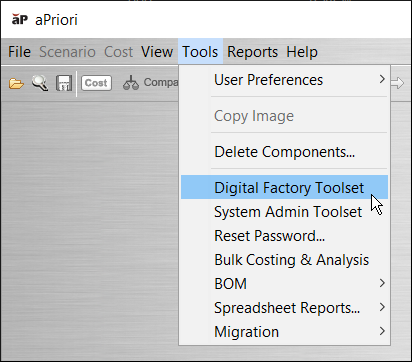
If the Digital Factory Toolset is not already open, click Tools > Digital Factory Toolset.
-
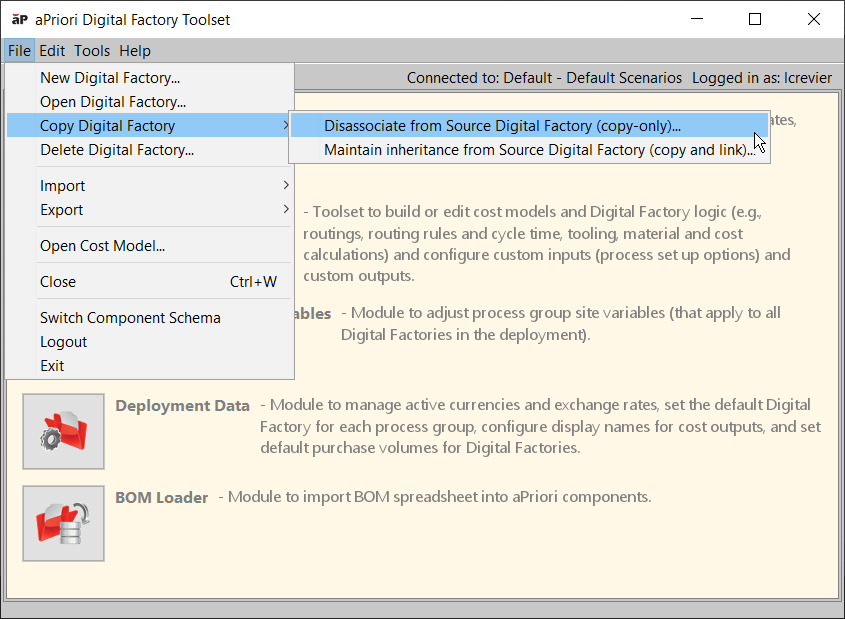
Select File > Copy Digital Factory > Disassociate from Source Digital Factory (copy-only).
-
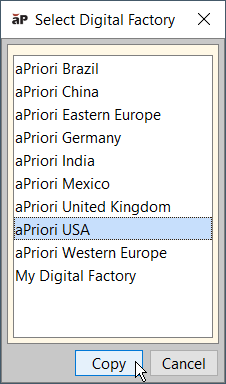
From the Select Digital Factory window, select the Digital Factory to copy and click Copy.
-
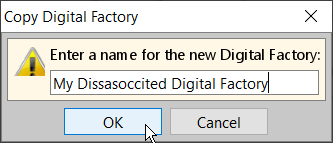
Enter a unique name for the new Digital Factory and click OK.
Note:
Digital Factory names must be unique and cannot include hyphens, slashes, or ampersands (-, /, &).
-
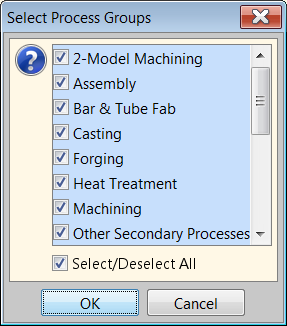
In the Select Process Groups window, select each process group you want to include (or use the Select/Deselect All checkbox) and click OK.
-
When done, click the Publish icon (
 ) to save your changes.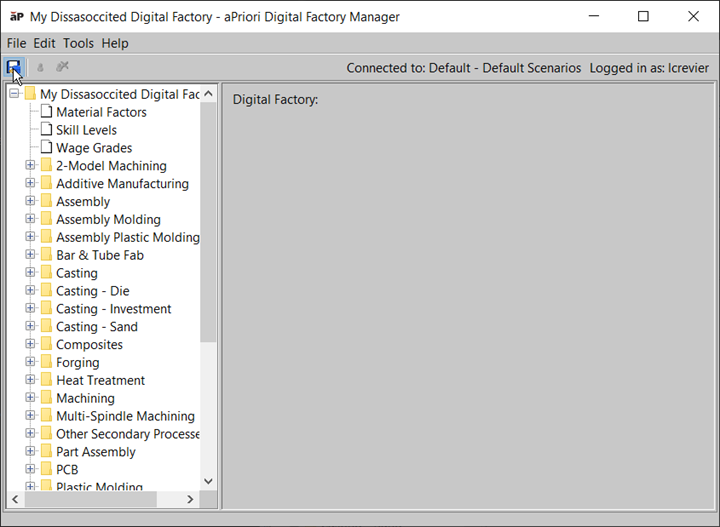
-
In the Success window, click OK.