Managing System Variables for Session Timeout
Administrators can configure aP Pro to automatically log out a user if the user does not interact, via keyboard actions or mouse clicks, with the application for a time period that is greater than the inactivity duration that the administrator specifies.
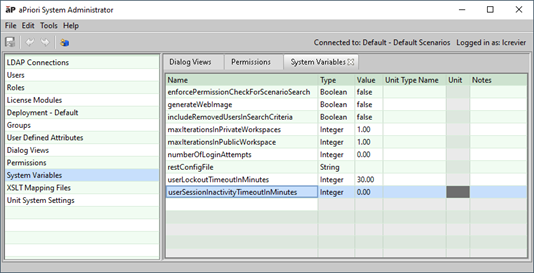
To implement the automatic inactivity logout, in the System Admin Toolset, a System Administrator must specify a positive, nonzero value for userSessionInactivityTimeoutInMinutes, which is the System Variable that sets the inactivity time limit.
By default, the userSessionInactivityTimeoutInMinutes variable is set to zero, which disables the inactivity timeout feature.