Download Files
Files, such as spreadsheet reports, that you generate from aP Pro are saved in your Home Folder. You can download a file from your Home Folder to your local file system:
-
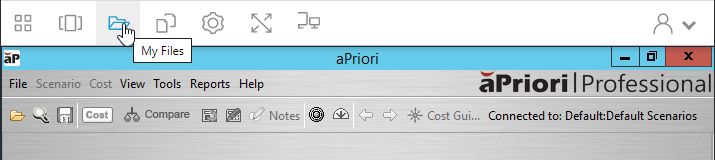
In the AppStream toolbar, click the My Files icon,
 .
.
-
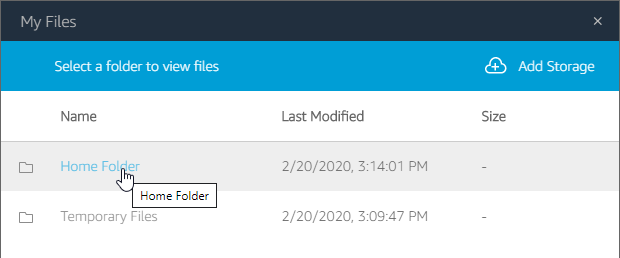
Open your Home Folder or navigate to and open the folder under your Home Folder that want to download a file from.
-
To download the file, you can use either of these methods:
-
Click the name of the file that you want to download.
-
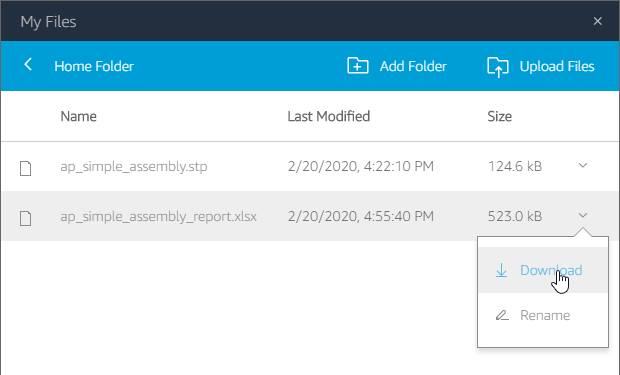
Click the down arrow,
 , that is in the same row as the name of the file that you want to download, and then select Download from the dropdown menu.
-
-
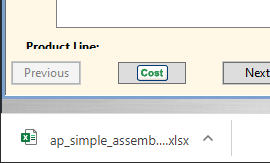
After the file downloads, to open it, click the download link that appears in the lower left corner of the browser window.