Associate a permission to a group
To associate a permission to a group:
-
Open the System Admin Toolset. From the aP Pro menu bar, select Tools > System Admin Toolset.
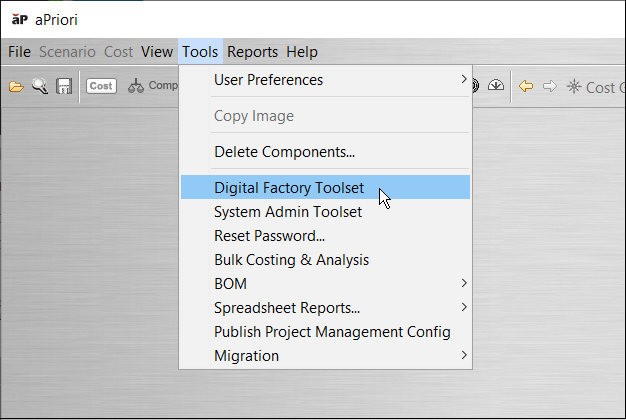
-
Open the System Administrator. In the System Admin Toolset window, click the System Administrator,
 , button.
 - In the Groups tab, in the groups list, select group directory for the group that you want to associate with a permission.
- In Associated Permissions, select the Add Permissions to Group,
 , button.
 - In the Search Permissions window, for Name, enter the name of the permission that you want to associate to the group and then click Find.
- In the Available Permissions list, select the name of the permission that you want to associate to the group and then click OK.